
In brief: Tenable One is sold in two packages, Foundation and Advanced, and several capabilities have to be bought as add-ons to either. The package decides whether risk scores, attack path analysis and cloud posture management are included. This article explains what each package contains, how to choose between them and what to have confirmed in the quote.
What is the difference between Tenable One Foundation and Advanced?
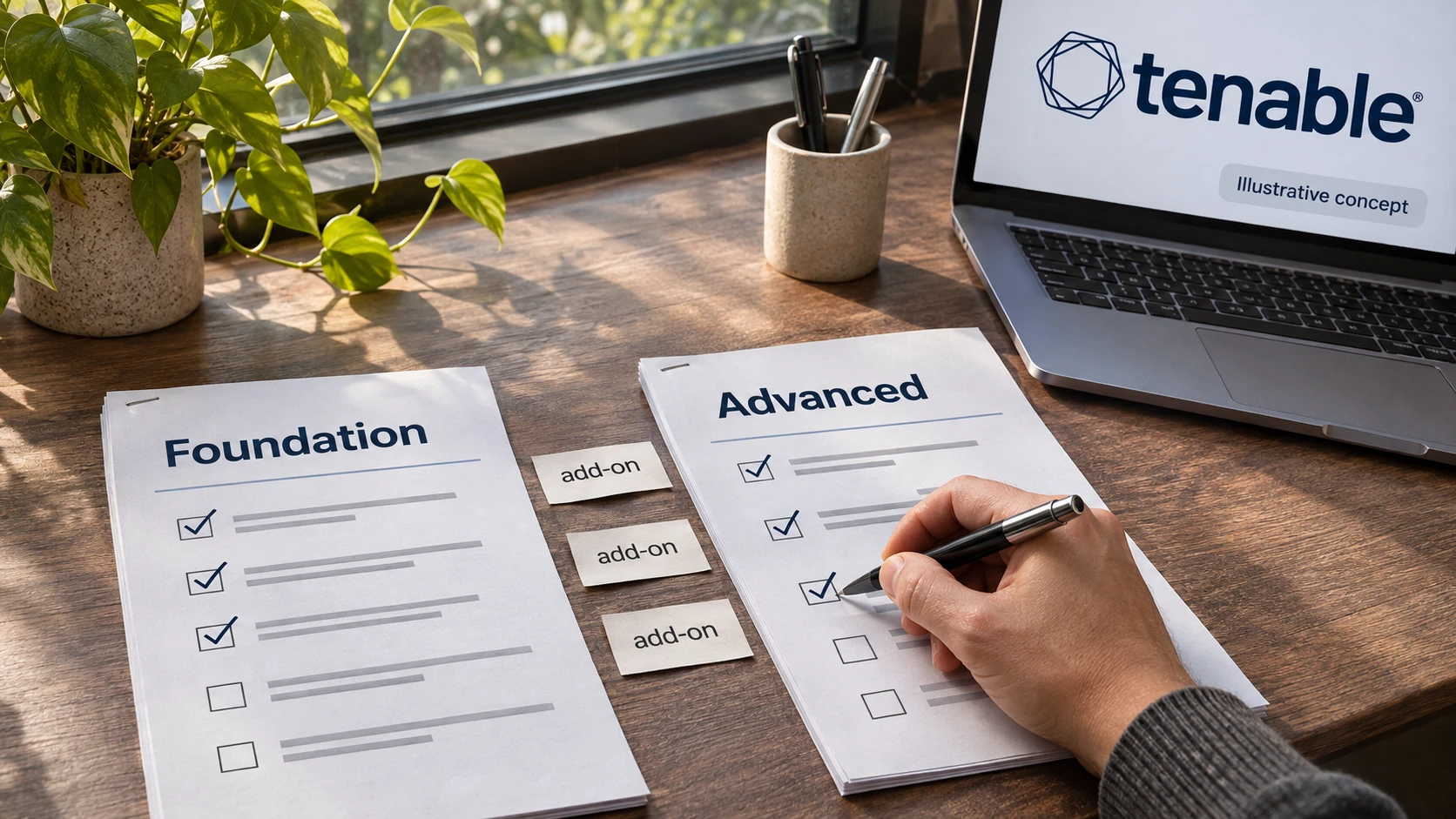
Foundation brings vulnerabilities and assets from across your environment into one view. Advanced contains everything in Foundation and adds risk measurement, attack path analysis and posture management for cloud, Kubernetes and AI workloads. Identity security and five other capabilities are add-ons to both packages.
The facts here come from Tenable’s licensing guide for Foundation and Advanced, the official description of the two packages. We use Tenable’s own names for the capabilities so that you can hold them against the quote you receive.
Licences are bought per asset, meaning a resource that Tenable identifies or manages. The guide sets a minimum purchase of 100 assets for Foundation and 300 for Advanced.
The table shows what each package includes.
| Capability | Foundation | Advanced |
|---|---|---|
| Vulnerability management | Included | Included |
| Web application security | Included | Included |
| OT & IoT security | Included | Included |
| Attack surface management | Included | Included |
| AI discovery | Included | Included |
| Cloud workload protection | Included | Included |
| Dashboards & reporting | Included | Included |
| Asset inventory | Included | Included |
| Integrated intelligence | Included | Included |
| Workflow & mobilization | Included | Included |
| Ticketing | Included | Included |
| Third-party data connectors | Included | Included |
| AI workload and agent protection | Not included | Included |
| Cloud security posture management | Not included | Included |
| Kubernetes security posture management | Not included | Included |
| Risk scores & benchmarks | Not included | Included |
| Attack Path Analysis | Not included | Included |
| Cloud-native application protection | Add-on | Add-on |
| AI user & app governance | Add-on | Add-on |
| Identity security | Add-on | Add-on |
| Patch Management | Add-on | Add-on |
| PCI ASV capabilities | Add-on | Add-on |
| Tenable Hexa AI additional token capacity | Add-on | Add-on |
| Minimum purchase | 100 assets | 300 assets |
Source: Tenable licensing guide, revised 18 November 2026.
Tenable’s pricing page marks Workflow & mobilization as not included in Foundation, while the licensing guide lists it as included, so have this confirmed in the quote.
What does Foundation include?
Foundation is the package for organisations moving from separate vulnerability scanning to a single view of the attack surface. That is how Tenable describes its purpose. The guide lists twelve capabilities included with purchase, and they form the first rows of the table.
OT & IoT security covers industrial control systems and connected devices, and Attack surface management covers what is visible from the internet. Workflow & mobilization provides remediation workflows, and Third-party data connectors bring in data from other security tools.
Foundation therefore covers more ground than vulnerability management on its own. We explain the difference between the stand-alone service and the platform in Tenable One or Vulnerability Management.
What does Advanced add?
Advanced is for organisations that need risk measurement, context and prioritisation of complex attack routes. It contains everything in Foundation and five further capabilities: AI workload and agent protection, Cloud security posture management, Kubernetes security posture management, Risk scores & benchmarks and Attack Path Analysis.
Cloud security posture management checks how your cloud services are configured, and Kubernetes security posture management does the same for Kubernetes.
Attack Path Analysis shows how several weaknesses can be linked into a route towards important systems. It is available in Advanced only.
What is not included in either package?
Six capabilities are listed as add-ons to both Foundation and Advanced. Buying the larger package does not bring them with it, and they form the last rows of the table.
PCI ASV capabilities are the external scans required by PCI DSS, the payment card industry’s standard. Tenable Hexa AI itself is included in both packages, and the add-on is additional token capacity.
Identity security is licensed by user. Under the licensing rules for Tenable One Identity Exposure, the asset is an enabled user in your directory service. The same identity in Microsoft Active Directory and Microsoft Entra ID counts as one licence.
AI governance is licensed in its own way. The licensing rules for Tenable One AI Exposure describe the product as an add-on component to both packages, and the licence count follows the AI application with the most users. With 2,000 users in one AI service and 300 in another, the count is 2,000.
If you need PCI scanning, note that Foundation and Advanced no longer include the no-cost PCI Basic licence. This is stated in the licensing rules for Tenable One PCI ASV, which also set out the two tiers, PCI Standard and PCI Enterprise.
How much Tenable Hexa AI is included?
Tenable Hexa AI is included in both packages, and Advanced carries five times the monthly token capacity of Foundation at every step of Tenable’s table. Capacity grows with the number of licensed assets.
A token is the unit Tenable uses to measure AI use within the platform. Below 1,000 assets, Foundation comes with 1.0 million tokens a month and Advanced with 5.0 million. Above 250,000 assets, the figures are 15.0 and 75.0 million.
Capacity resets on the first of each month and unused tokens do not roll over. Tenable also states that allocations may change. The figures in your agreement therefore take precedence over the figures in this article.
How are assets counted?
Tenable counts each asset once within the same asset class, but a web application and the server it runs on are two licences. The count shapes the size of the agreement as much as the choice of package does.
Tenable’s licensing questions and answers give the reason. Applications and devices are separate asset classes, and the platform never merges assets across classes.
Within infrastructure scanning, observations from several scanners and agents are merged when Tenable can recognise the device. The licensing guide recommends credentialed scans, because scans without credentials can produce duplicates that consume licences.
Three further rules are worth knowing:
- Assets brought in from other tools through third-party connectors also consume licences.
- Assets not seen in a scan for 180 days age out of the account. You can set the period anywhere from 14 to 450 days, but you cannot switch it off.
- Licences are elastic. If you scan more assets than you have licensed for more than 30 days, Tenable disables scanning and export.
Which package should you choose?
Choose from the decisions you need to be able to make, and test them against the five capabilities found only in Advanced. Headcount does not settle the question.
Foundation fits when the main need is visibility. You want servers, web applications, cloud workloads, OT equipment and internet-facing assets in one place, and you want to pass remediation tasks to the people who own the systems.
Advanced fits when you have that view and the question is what to fix first. You then need risk scores you can follow over time and analysis of how weaknesses connect. The same applies if you have to check the configuration of cloud services or Kubernetes, or protect workloads that run AI.
Consider the add-ons separately. If you want Active Directory or Entra ID in your exposure picture, identity security has to be in the quote whichever package you choose.
A trial answers the question better than a feature list. We offer a one-month free trial of Tenable, and we agree beforehand which modules it covers. Our guide to the trial explains how to scope it.
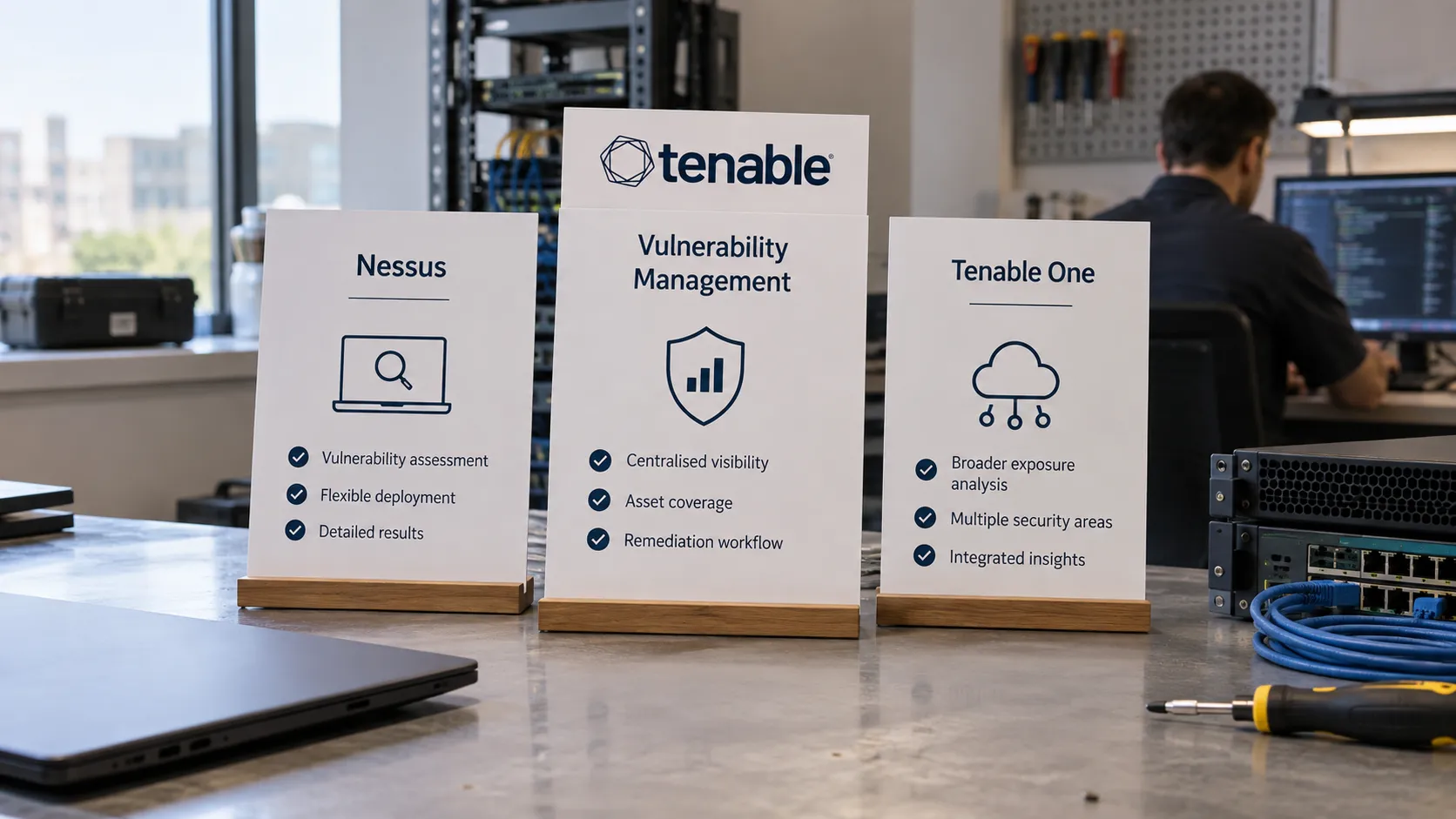
If you are still deciding whether you need the platform at all, start with our comparison of Nessus, Tenable Vulnerability Management and Tenable One.
What should you confirm in the quote?
Ask for a quote that names the package, each add-on and the number of assets by type. You can then check it against the licensing guide line by line.
- Package and add-ons. Which of the two packages the quote covers, and which of the six add-ons are included.
- Assets by type. The number of devices, web applications, identities and AI users, and whether assets from third-party connectors have been counted.
- Minimum purchase. That the count meets the minimum of 100 assets for Foundation or 300 for Advanced.
- Hexa AI. The monthly token capacity included, and whether you need more.
- PCI. Whether you need PCI ASV and, if so, which tier.
- Existing agreement. According to Tenable, all new customers use the Foundation and Advanced structure, while customers on the earlier ratio-based licence follow separate rules. Establish what a change would mean for your subscription.
We do not publish prices. The scope depends on the package, the add-ons and the number of assets of each type, and that is best worked out together.
Who can you talk to?
FM CyberSecurity is a certified and preferred Tenable partner. We resell the licences, and our consultants know the products and are ready to help.
Anders Helgesplass leads our work on exposure management. He can help you choose a package and add-ons, count your assets before you ask for a quote, and set up a trial. You can reach him at [email protected].
The cover image is an AI-generated editorial illustration. Screens and documents are illustrative concepts.