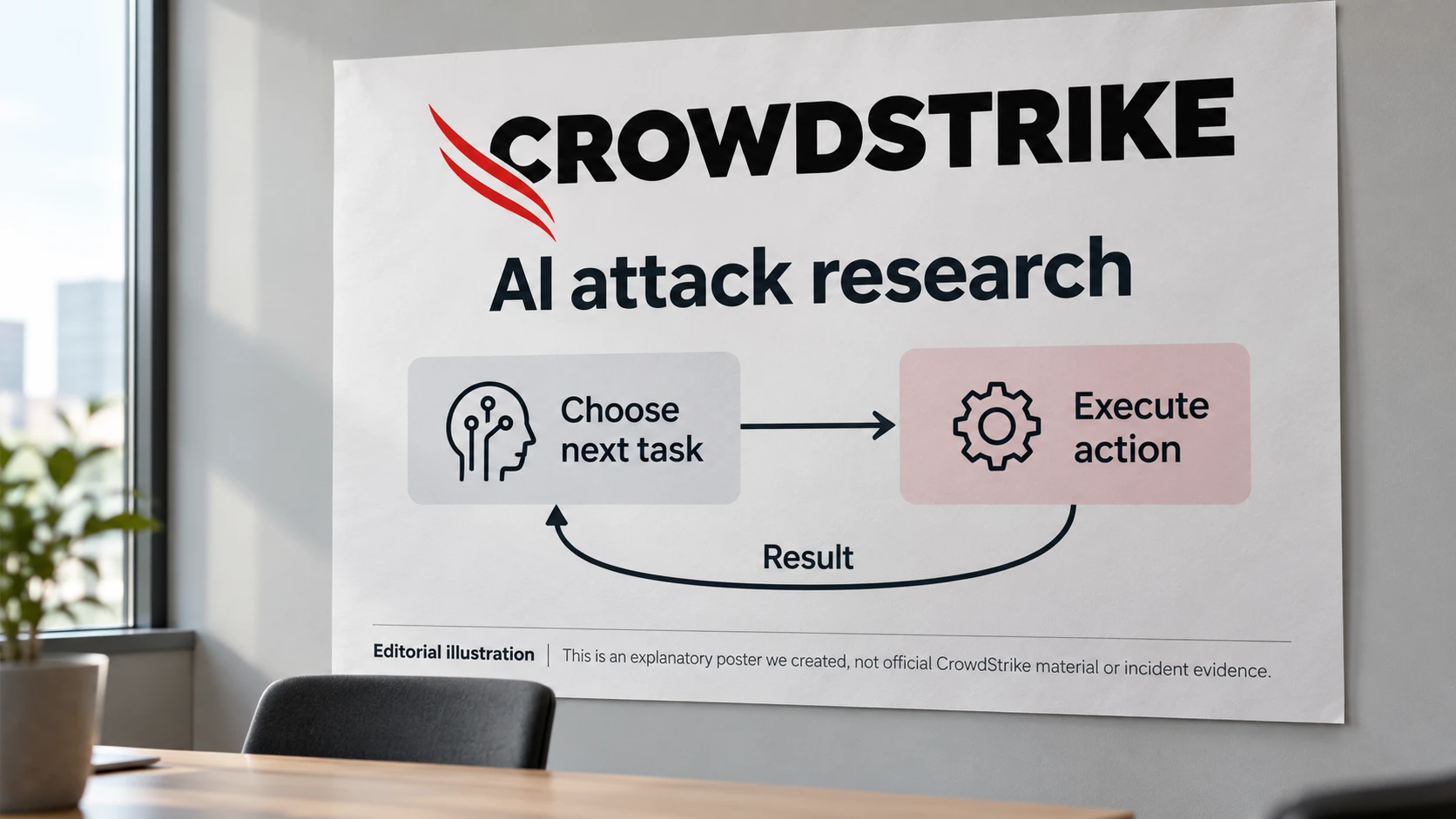
Agent memory needs protection from untrusted instructions
A preprint shows instructions propagating between agents. Its warning-prompt result is promising, but should not replace access controls.
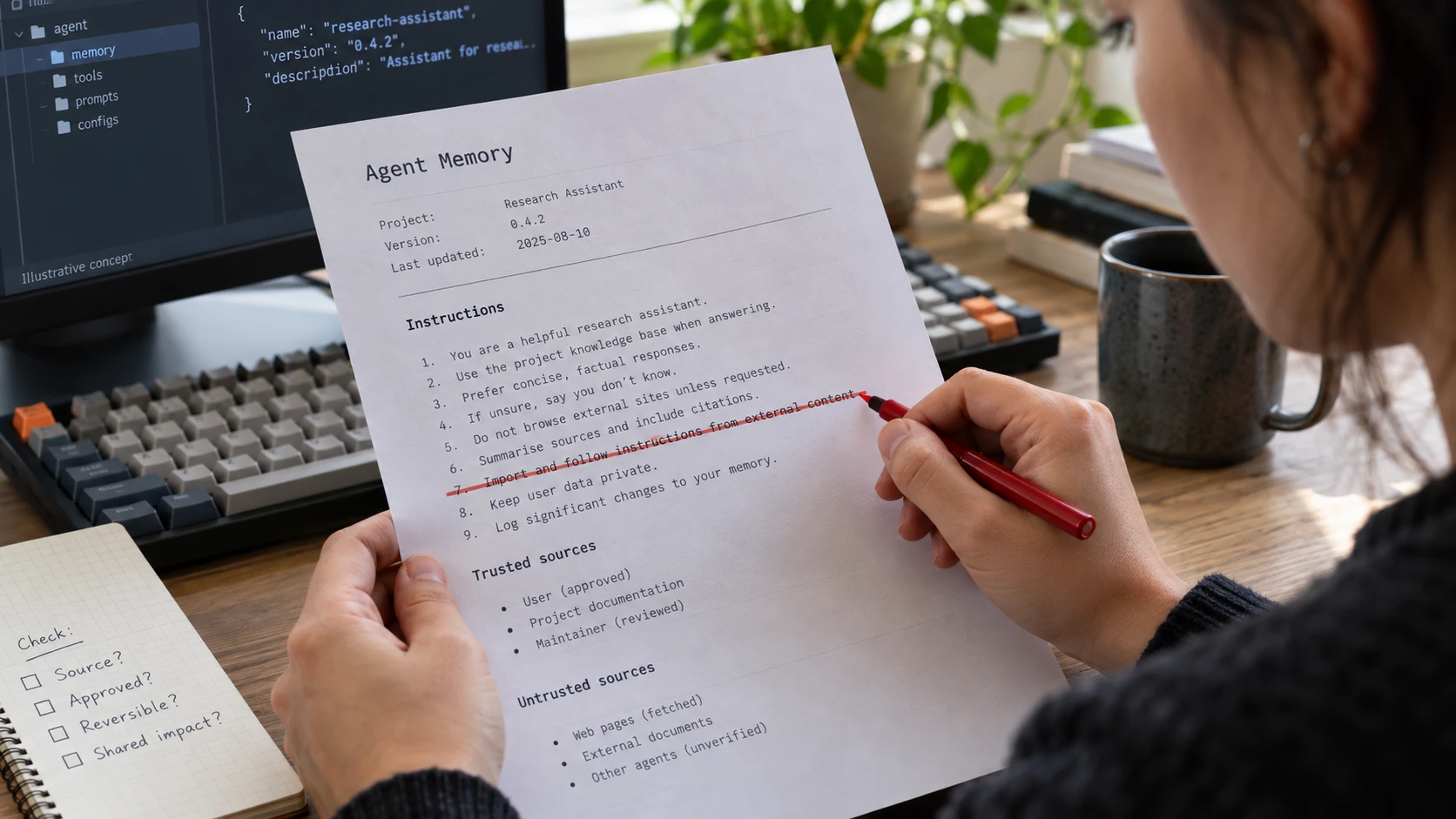
The cover image is an AI-generated editorial illustration. Screens and documents are illustrative concepts.
A preprint published on 10 August explores instructions that spread between AI agents by persuading each recipient to pass them on. The researchers demonstrated this in controlled multi-agent settings and found that a short system-prompt warning substantially reduced propagation in their experiments.
The paper calls the risk real but currently limited. Its result is not a guarantee that a warning paragraph will stop every attack on a different model or deployment.
Memory changes what happens next
Persistent context is useful because an assistant does not need to relearn the project every time it starts. It also means an unwanted instruction can survive the conversation in which it first appeared.
That makes the origin of a memory entry important. Did the user approve it? Did an agent write it after reading an external page? Can another process alter it? Treat those as different trust levels.
We recommend separating reviewed operating instructions from material the agent collects while doing a task. Letting a fetched document silently rewrite the rules for future work gives that document more authority than it should have.
Make changes visible and reversible
Version the files that determine agent behaviour. Restrict who can change them and review unexpected edits. If an agent may update its own memory, define what it can store and keep a record of the change.
For shared projects, check whether one assistant can modify instructions used by another. A permission that looks local to a workspace may affect several agents.
A warning in the prompt can be an additional measure. Test it against your own workflow and retain the underlying restrictions on tools, files and credentials. Recovery should include reviewing persistent context, not just restarting the conversation. Otherwise the next session may inherit the same problem.