How to request a CrowdStrike identity check through FM
An identity assessment can help prioritise account risks. Agree trial availability, access, coverage and the written findings before connecting your directory.
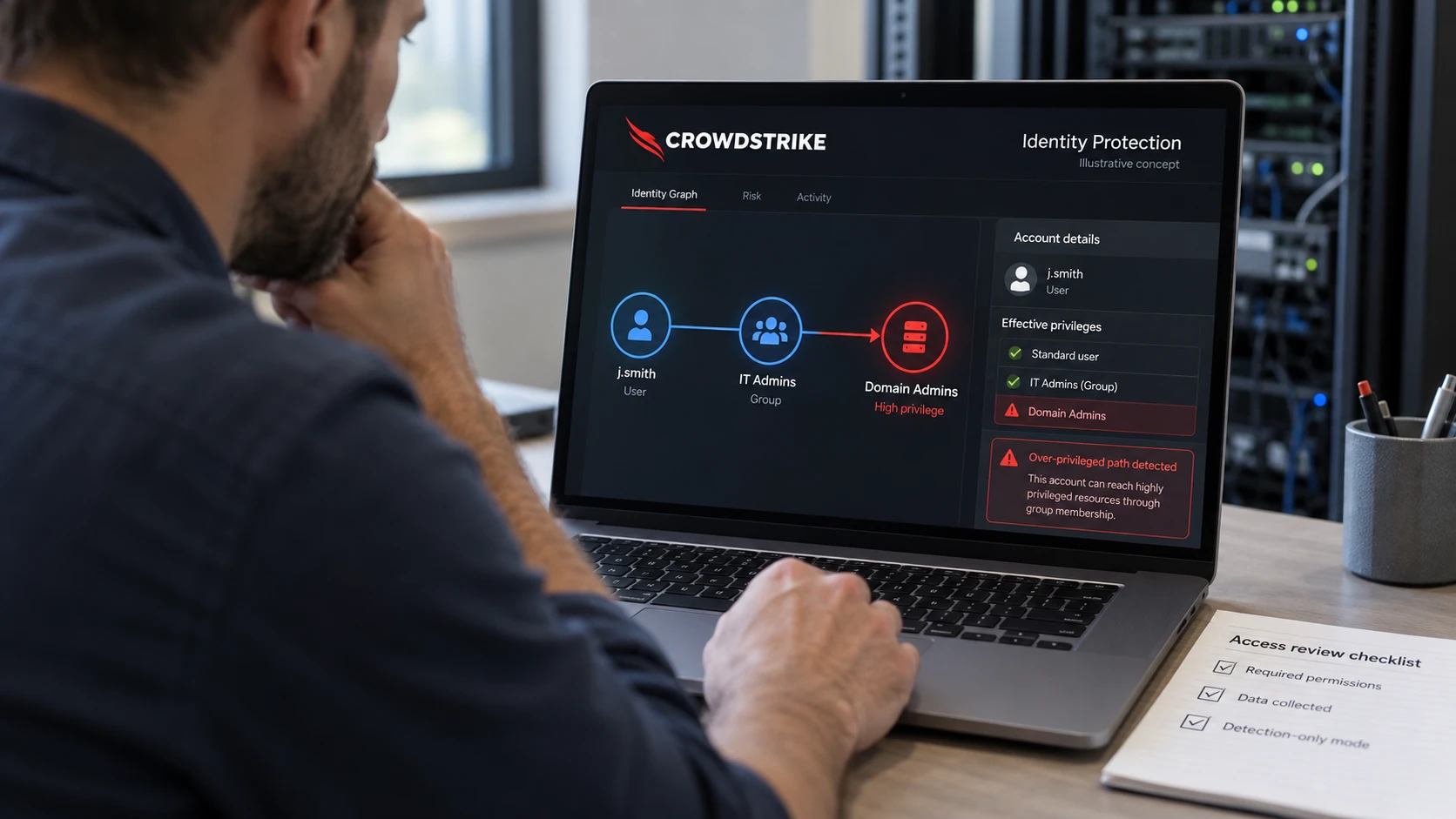
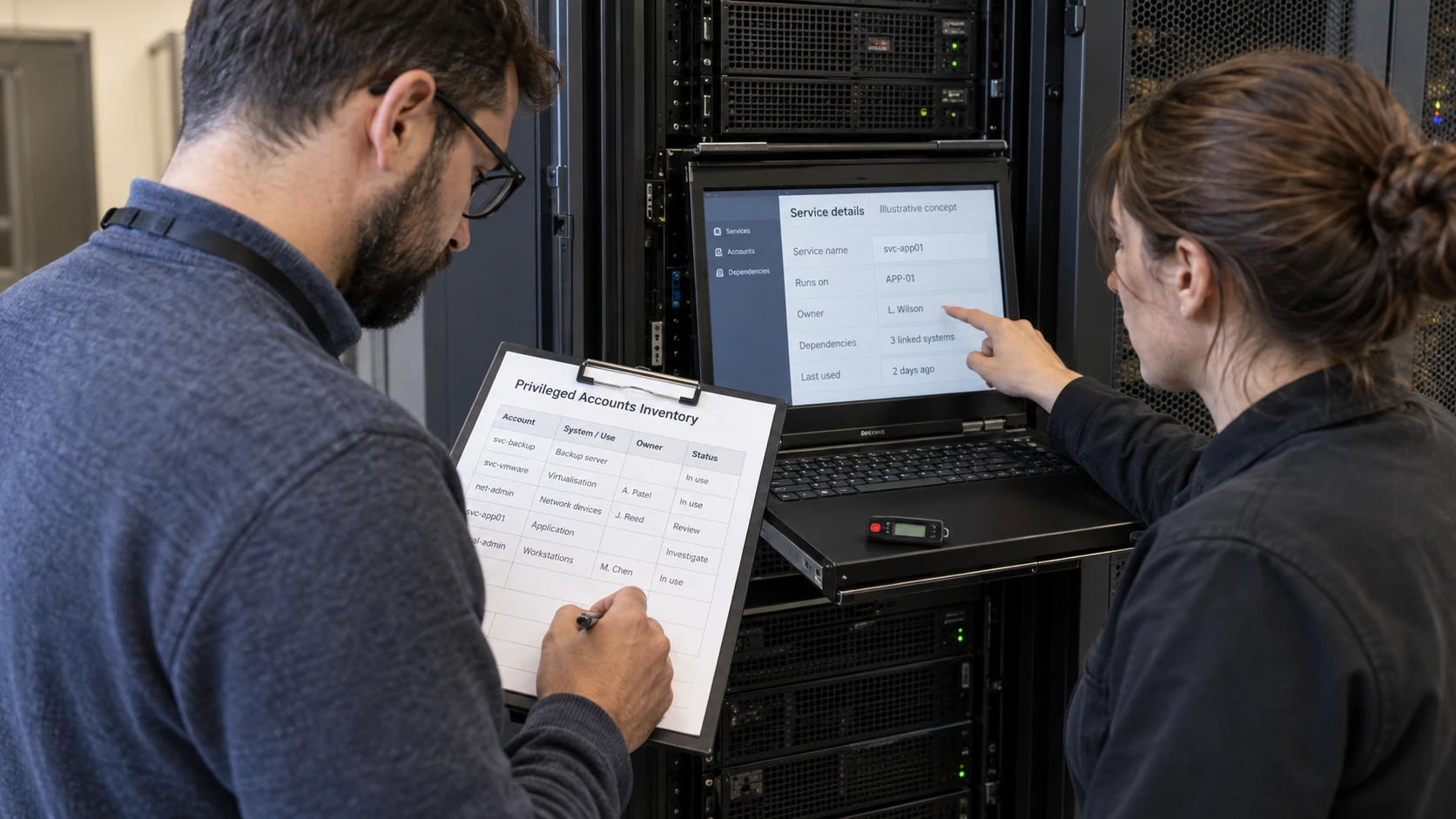
The cover image is an AI-generated editorial illustration. Screens and documents are illustrative concepts.
FM CyberSecurity can help arrange an assessment using CrowdStrike Falcon Identity Protection. To request the free-check offer described here, provide your directory type and an approximate account count. Trial eligibility, included work and timing should be confirmed before setup.
Do not send administrator passwords. At the first stage, an outline of Active Directory, Entra ID or a hybrid environment is enough to discuss the scope.
Agree what the assessment should answer
Decide which identity risks matter most: unnecessary privileges, stale accounts, risky authentication or potential paths between systems. Product coverage depends on the connected environment, licensed capabilities and collection setup.
The result should distinguish an observed finding from an inference that needs investigation. An account flagged as risky is not automatically compromised.
Agree the collection period, participating systems and expected output. The written summary should identify important findings, their evidence, the recommended actions and any gaps in coverage.
Approve access before connecting anything
Review the current deployment requirements with the responsible directory administrator. Establish the permissions needed, where components run, what information is collected and who may access it.
For an initial assessment, explicitly agree whether detection-only policies will be used. Identity Protection includes response capabilities; it is not inherently a tool that can only read data. Avoid enabling enforcement without understanding its effect on sign-in and business services.
Review findings with the account owners
An apparently unused service account may support an infrequent job. Excessive access needs to be compared with the person’s role and the application’s requirements. Validate those dependencies before disabling accounts or changing credentials.
Prioritise actions by consequence and confidence. Assign each accepted action to an owner and record how it will be checked afterward.
Close the trial deliberately
Before the assessment starts, agree the expiry date, any costs beyond the offered scope and whether further use requires a purchase. At the end, remove unnecessary access and components according to the agreed plan, and retain the findings you need.
An assessment is a starting point. If you need continuing monitoring, compare the operational responsibilities in FM’s detection and response service with the work your own team will retain.