What the Idira EPM agent control panel does
The EPM control panel gives Windows users access to administrative tasks enabled by IT policy. It is separate from both Windows Control Panel and the admin console.
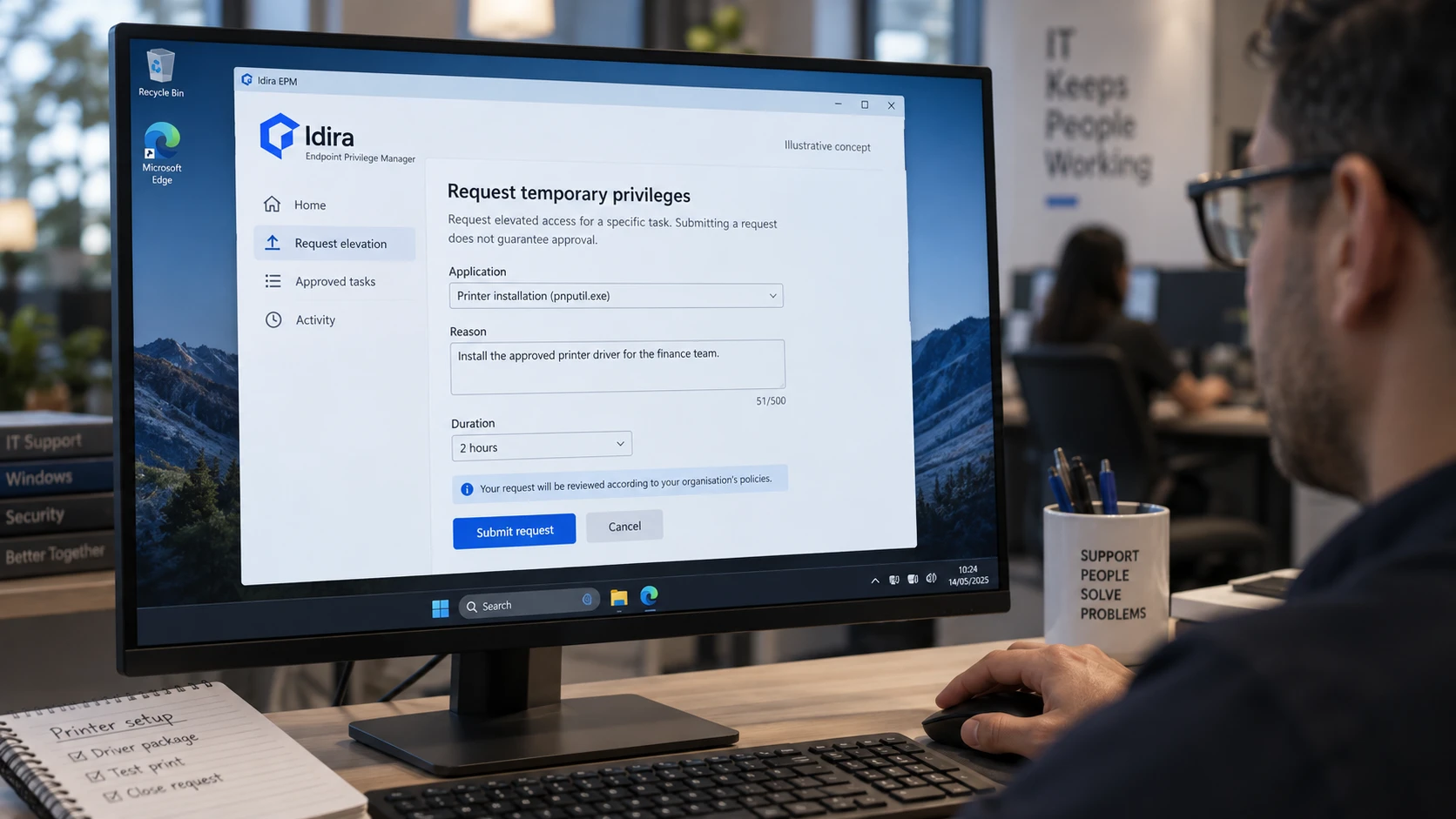
The cover image is an AI-generated editorial illustration. Screens and documents are illustrative concepts.
The Idira EPM control panel is a window on a managed Windows computer that provides access to administrative tasks enabled by your organisation’s policies. Older versions may use the CyberArk name.
It belongs to Endpoint Privilege Manager, not Windows itself. The vendor’s key concepts guide explains that elevated administrative tasks and policy-provided scripts can appear there. Its contents depend on what IT has configured.
What you can use it for
An administrator can make a task such as printer configuration available without giving your everyday account permanent local administrator rights. You select the approved task, and the policy governs its elevation.
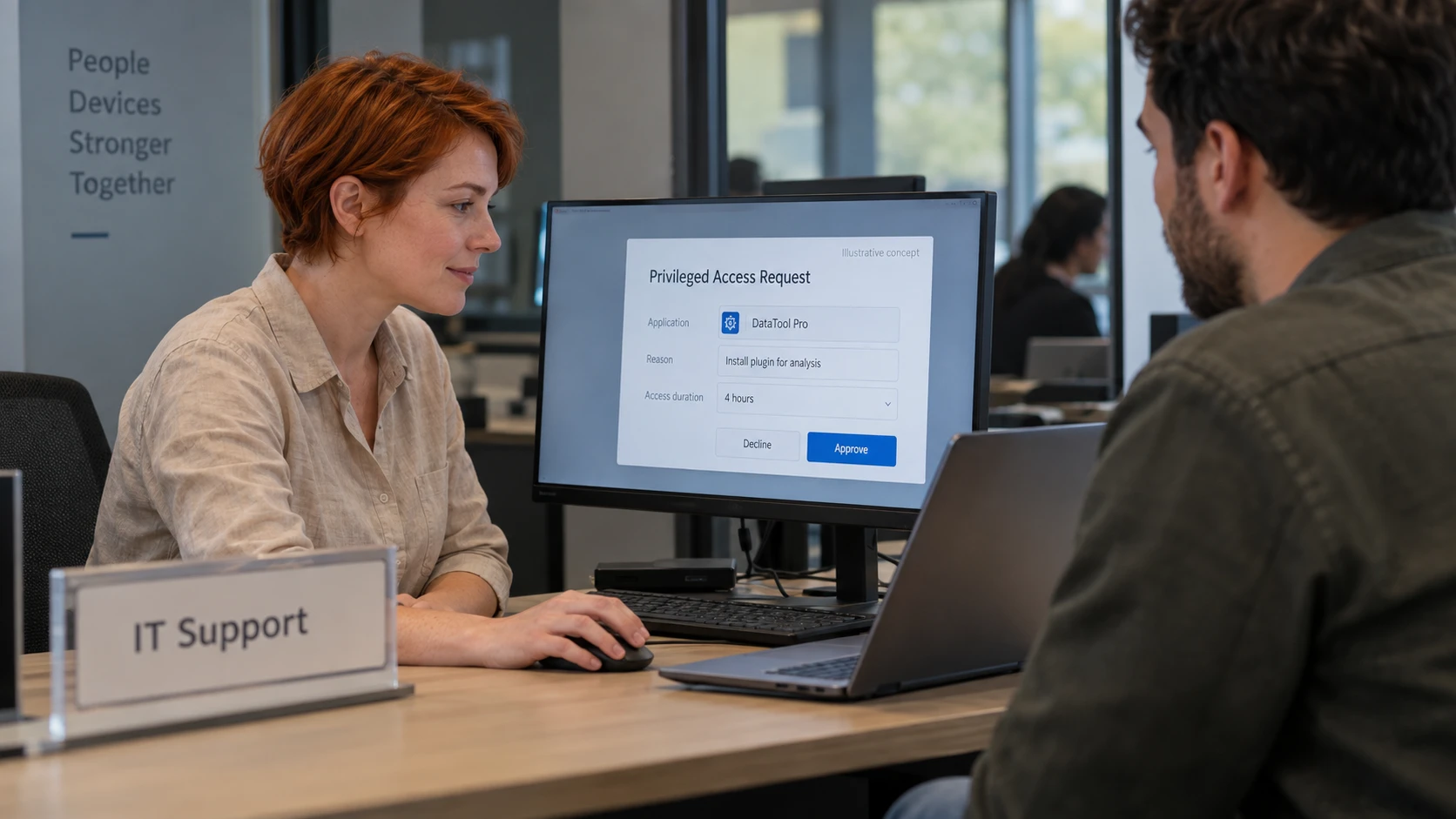
Where enabled, a request option lets you ask for temporary privileges. The end-user documentation describes that workflow. Submitting a request is not the same as receiving approval.
Describe the application and task when asking for access. “Install the approved printer driver” gives support more to work with than “need admin.” Do not include passwords or other secrets in the request.
If the panel is missing or looks different
The visible icon, available options and policies can differ between groups of computers. A colleague having an option does not mean your installation is broken. Ask IT whether the task is intended to be available to your device and whether its policy has arrived.
If an unfamiliar icon appears, confirm it through your usual support channel. A name or icon alone is not proof that software is legitimate. Avoid removing a managed agent or changing its files as a troubleshooting step.
The browser-based management console is separate. Administrators use it to manage policies and events; the endpoint panel exposes the actions available to the person using the computer.
For the team deploying it
Tell users what the panel is for before enabling it. Provide a short example of an approved task, the route for requesting an exception and the expected support response time. Check the instructions against the version and policies actually deployed.
Hiding the icon does not replace policy management. The security controls are implemented by the agent and its configuration. For the wider design, see what endpoint privilege management is.