Endpoint privilege management: fewer admin rights, with a workable exception process
EPM lets users work without permanent local administrator rights. Successful deployment needs precise rules, an approval process and support for legitimate tasks.
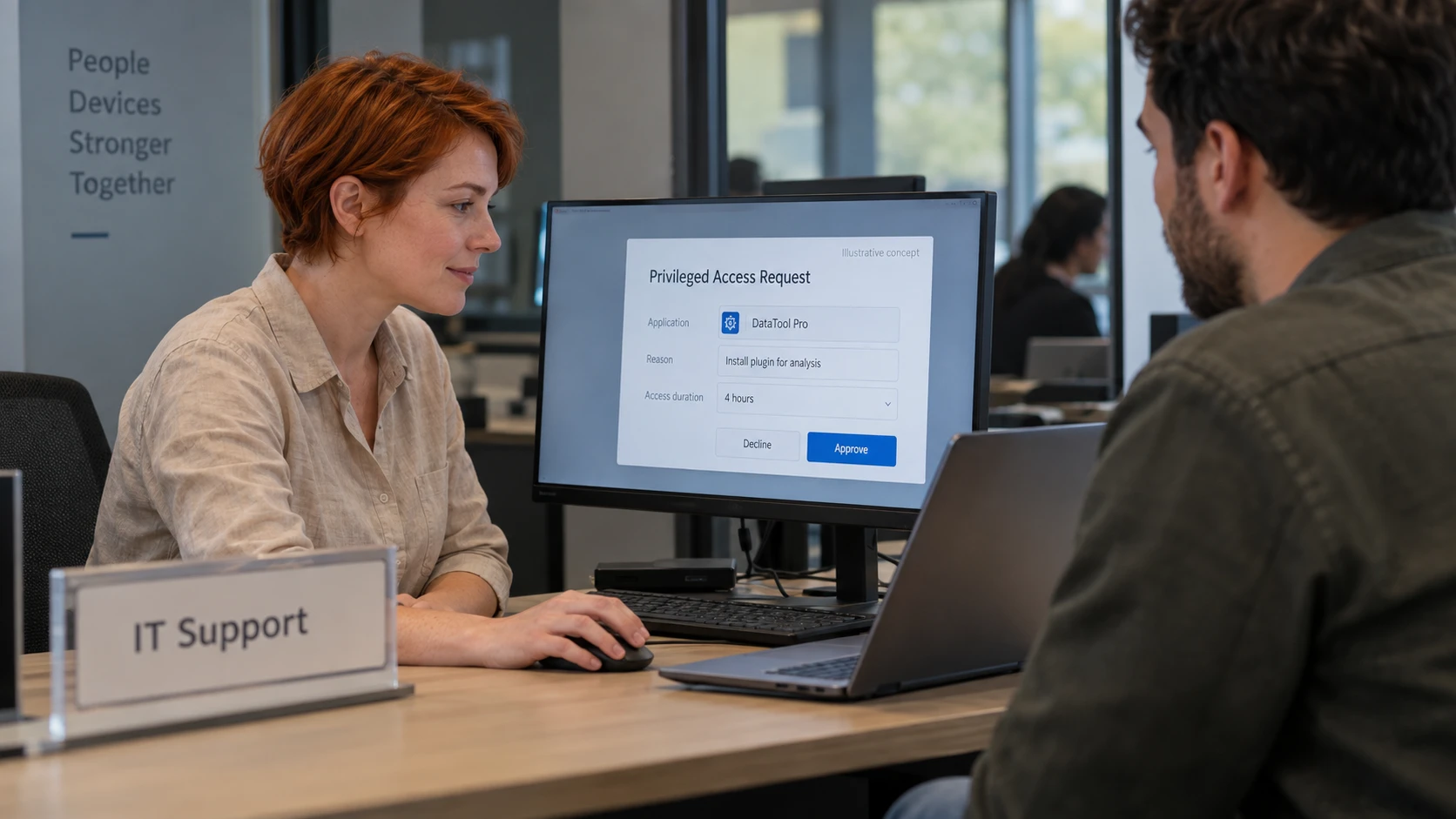
The cover image is an AI-generated editorial illustration. Screens and documents are illustrative concepts.
Endpoint privilege management, or EPM, lets people use a computer as standard users while granting additional rights to specific applications or tasks. It addresses a practical problem: some work needs elevation, but that does not justify permanent administrator access for everything the user runs.
Removing local admin rights limits some routes to changing the device or interfering with its protections. It does not prevent every attack. A standard user’s session can still expose that user’s files, browser tokens and accessible business systems.
How the rules work
An EPM policy can identify an application and determine whether it may run with additional privileges. Idira Endpoint Privilege Manager provides this kind of control as part of its endpoint security capabilities.
The details matter. A rule that trusts a writable file path can be much broader than intended. Review the application’s identity, how it is updated, whether users can replace it and what its child processes can do. An approved tool that can launch arbitrary commands deserves particular attention.
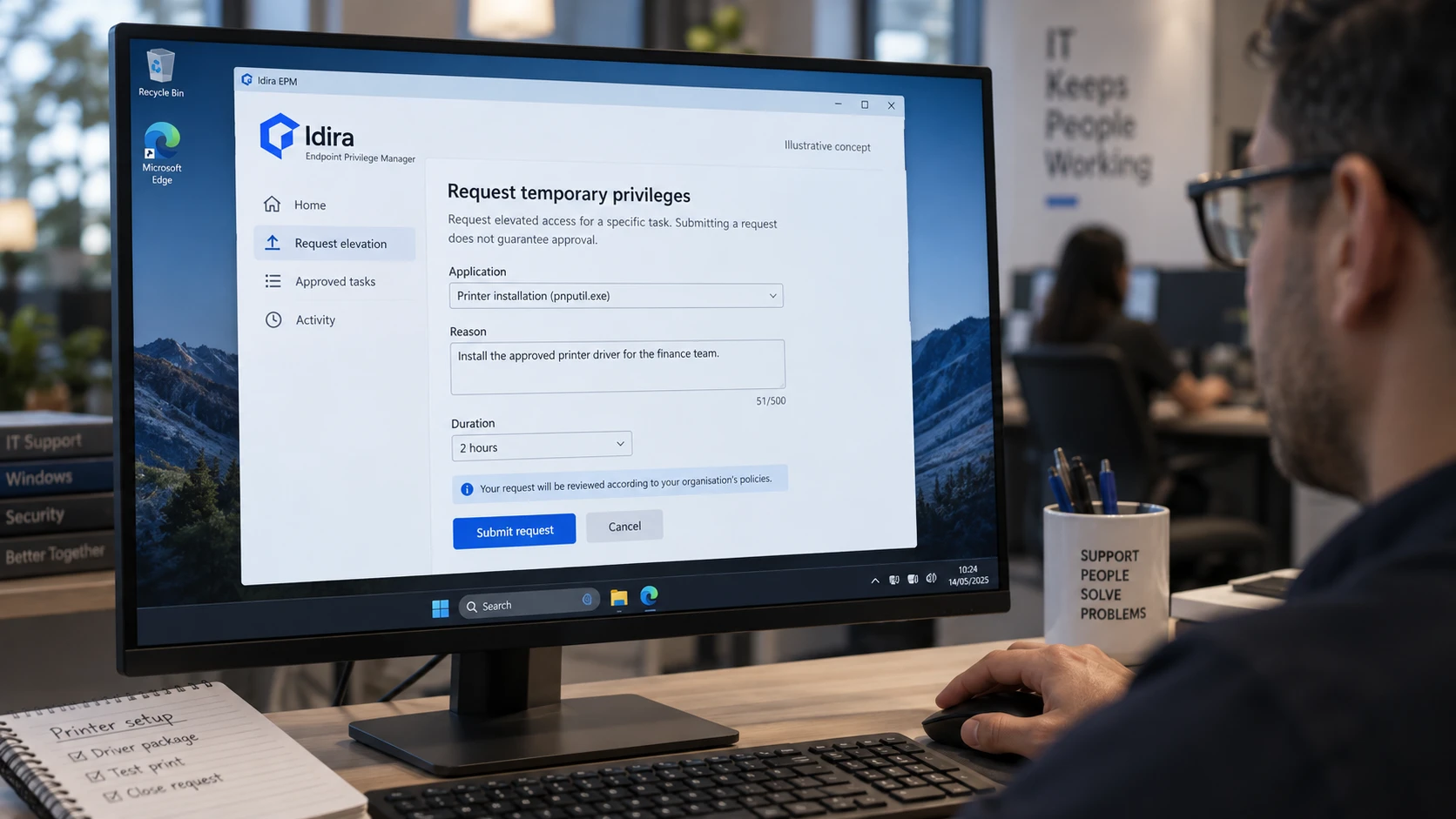
When automatic elevation is inappropriate, an approval process can provide an exception. It needs a named owner, enough information to assess the request and an expiry or review point.
Plan around real work
Begin with a representative group of users and identify the tasks that require elevation. Include developers, support staff and people using specialist applications. Observation or audit features can help, but check what your chosen product records and whether it changes behaviour.
Prepare rules for legitimate tasks before removing standing rights. Explain how users request help, and make support available during the change. Expand when the pilot demonstrates both risk reduction and usable workflows.
Avoid permanent exceptions created simply to clear the support queue. Record why an exception exists and revisit it when the application or job changes.
EPM works alongside detection and PAM
EDR can detect and respond to suspicious endpoint activity; EPM governs privilege use. Detection products may also prevent activity, so the distinction is not simply “before” and “after” an attack.
Broader privileged access management covers accounts and administrative access across infrastructure. Coordinate the programmes, especially where workstation administrators also manage servers or cloud tenants. The PAM guide explains how to plan that access.
Budget for policy maintenance and approvals as well as licences. Applications change, employees change roles, and exceptions accumulate. The operating responsibility continues after the agent is installed.