For the complete documentation index, see /llms.txt. Markdown version of this page: /en/insights/endpoint/edr-and-antivirus-what-the-difference-is.md.
Endpoint Security ↗

EDR and antivirus, what the difference is, and what you need

Antivirus names a known bad file. EDR shows what the attacker did next. Against modern attacks you need the second answer.

CrowdStrike logo and EDR vs Antivirus, FM CyberSecurity branded cover

Antivirus tells you a known bad file showed up. EDR tells you what an attacker did next. For modern attacks, you need the second answer.

In incidents I have worked through the Falcon console, the antivirus alert was rarely the whole story. A flagged file was the start of the trail, not the end of it. The questions that mattered came after: how did it get in, what ran from it, which account did it touch, and did anything move to a second machine. Plain antivirus could not answer any of those. EDR could.

So if you run antivirus today and you are not sure whether you need more, here is the honest read. Antivirus is one layer, and it still does a job. It is not the whole defence anymore.

CrowdStrike logo and EDR vs Antivirus, FM CyberSecurity

What antivirus does, and what it misses

Antivirus matches files against a list of known-bad signatures. A signature is a fingerprint of malware someone has already seen and catalogued. When a file on your machine matches the fingerprint, antivirus blocks or quarantines it. That works well for known, file-based malware, and it is fast.

The gap is in the word “known.” Signature matching is reactive by design: someone has to see the threat, fingerprint it, and push the update before your antivirus can catch it. Modern attacks are built to slip that window. They use fileless techniques that run inside legitimate tools like PowerShell, so there is no file to fingerprint. They use living-off-the-land tactics, where the attacker uses software already on your machine instead of dropping malware. And they use stolen credentials to log in like a normal user, which no signature describes.

I have watched this pattern more than once. The antivirus dashboard was green. The attacker was already inside, working through tools the antivirus had no reason to flag. The file scan was never going to see it, because there was no bad file to see.

”We have antivirus, we are covered” is the assumption that costs you

The common position in a Norwegian SMB is reasonable on its face: antivirus is installed, it updates, the dashboard is green, so the endpoints are handled. I hear it in most first conversations.

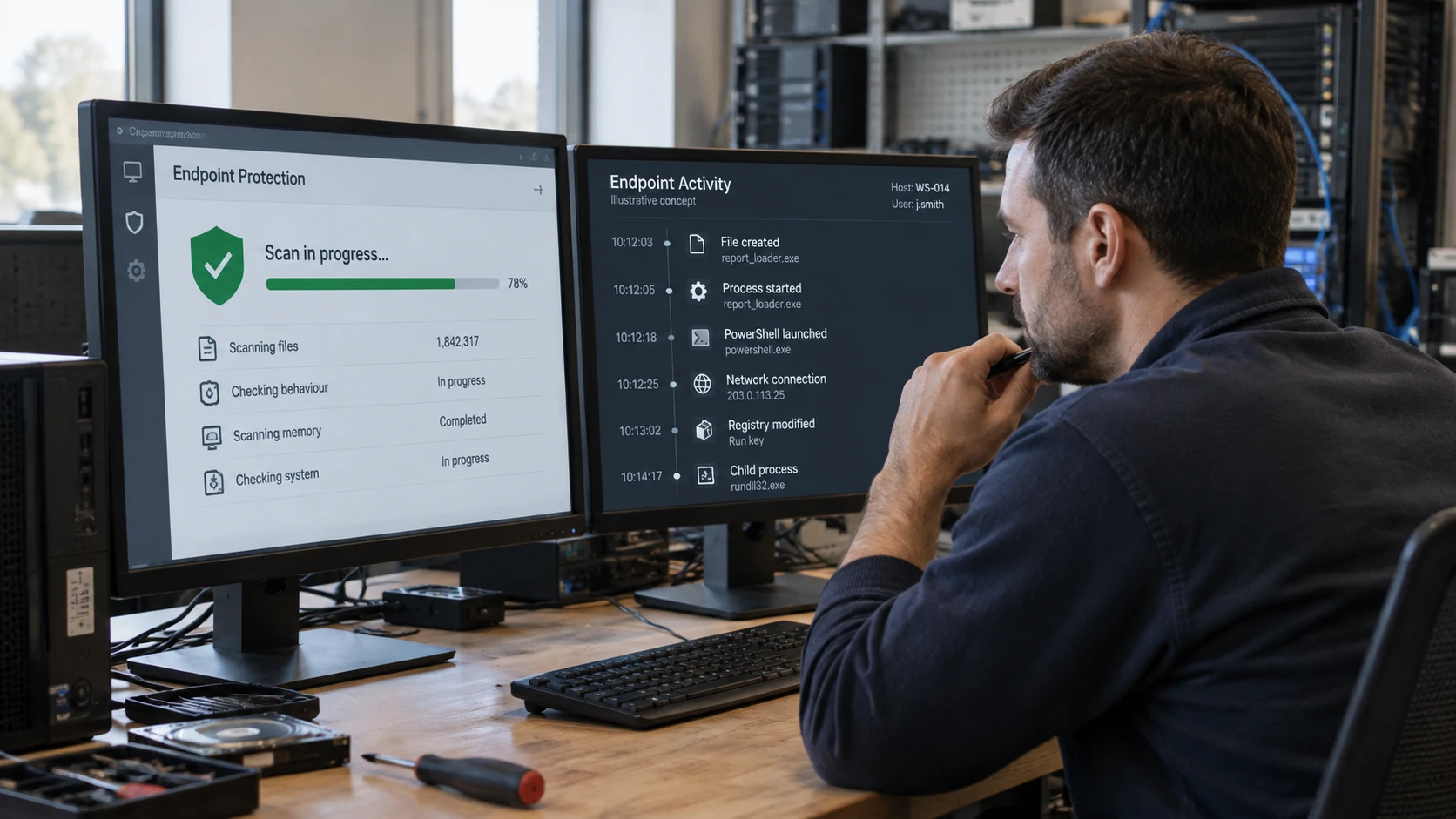
The problem is what that green dashboard does not record. Antivirus reports what it blocked. It does not keep a running history of what every process did, which account logged in from where, or what connected to the internet. So when something gets past the file scan, and modern attacks are designed to, you have no trail to follow. You find out from the symptom: files encrypted, a strange login, a supplier calling about traffic from your network. By then the attacker has had hours or days, unrecorded.

That is the real cost of antivirus-only. Not that it catches nothing. That it cannot tell you what it missed.

What EDR adds, and what we run on top

EDR, endpoint detection and response, records endpoint activity continuously so you can detect, investigate, and respond to what signatures miss. Think of it as a flight recorder on every machine. CrowdStrike describes Falcon Insight as tracking hundreds of security-relevant events: process launches, registry changes, network connections, logins, and privilege changes (CrowdStrike, Falcon Insight EDR).

That recording changes what you can answer. Instead of “a file was blocked,” you get the chain: this document spawned PowerShell, PowerShell reached out to this address, this account then logged in to a second machine. EDR detects on behaviour, not just signatures, so it flags the pattern even when no file matches a known fingerprint. And it lets you respond from the console: isolate the machine from the network while keeping the recording running, or kill the process directly. In one composite case from onboardings this year, the behavioural detection fired on the lateral-movement step, the part antivirus had no view into at all, and that is where the incident was stopped.

Next-gen antivirus, or NGAV, sits between the two. CrowdStrike defines NGAV as a combination of “artificial intelligence, behavioral detection, machine learning algorithms, and exploit mitigation, so known and unknown threats can be anticipated and immediately prevented” (CrowdStrike, What is NGAV). NGAV upgrades the prevention layer beyond signatures. EDR adds the recording, investigation, and response layer. You want both, and on the Falcon platform they run through one lightweight agent.

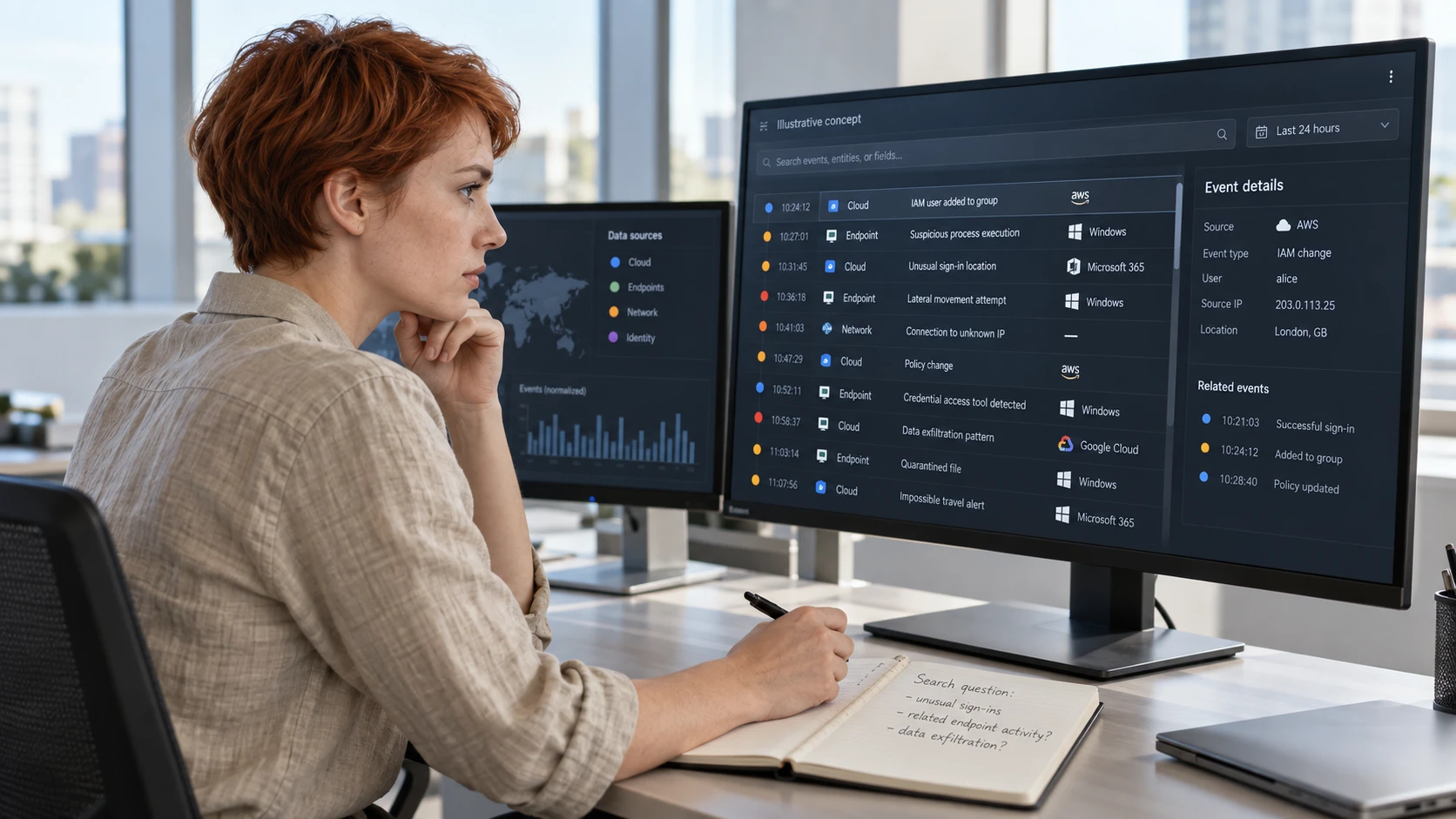
Tooling alone is not the answer, though. EDR generates signal, and signal needs someone to read it at the moment it fires. That is where managed detection and response comes in. FM CyberSecurity delivers MDR through CrowdStrike Falcon Complete Next-Gen MDR. The 24/7 detection, investigation, and remediation is run by the CrowdStrike team: per CrowdStrike, Falcon Complete “acts on your behalf, isolating systems, removing persistence, and restoring you to a known-good state” (CrowdStrike, Falcon Complete MDR). FM CyberSecurity does the onboarding, the tuning so alerts fit your stack, and the local escalation in Norwegian when something needs a decision from you. We do not sit on the incident bridge ourselves; CrowdStrike runs that.

What this means for you

If antivirus is your only endpoint control, your real exposure is not that you catch nothing. It is that you have no record of what you missed, and no one watching the signal in the hours that decide an incident.

For a Norwegian SMB, the practical move is to add the recording and response layer, then put a team on the signal. That is EDR plus managed response, on one agent, with the heavy lifting handled and a local contact who knows your setup. Antivirus keeps its place as the fast file-blocking layer underneath. You are not throwing it out. You are no longer relying on it alone.

Start with one thing this quarter: ask whether anyone would see the second step of an attack on your machines today, the part after the file. If the answer is no, that is the gap to close.

If this resonates

← Back to all insights
Questions or inquiry? [email protected] Contact us →