What CrowdStrike Falcon is, the platform behind modern MDR
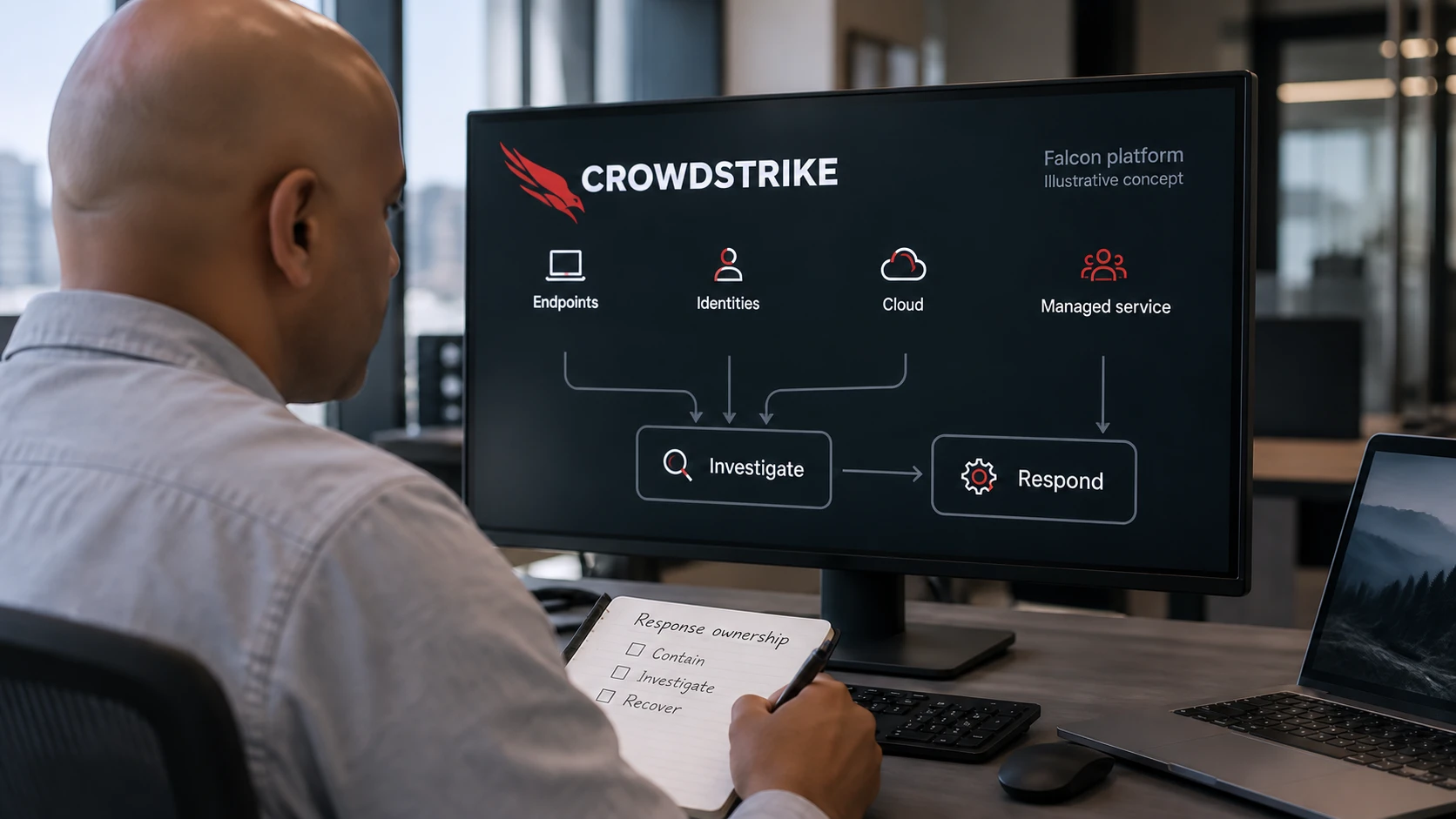
CrowdStrike Falcon is one lightweight agent and a cloud console that together replace a rack of separate endpoint security tools.
The CrowdStrike Falcon platform is one lightweight agent and a cloud console that together replace a rack of separate endpoint security tools. You install one small program on each laptop and server, and everything else runs in CrowdStrike’s cloud.
I spend most of my working week in the Falcon console during FM CyberSecurity onboardings, so this is a view from inside the tool, not from a slide. When a Norwegian customer asks me “what is Falcon, really,” I do not start with the brochure. I start with what the agent does on a laptop on a Tuesday morning, and what I see in the console when it does it. This piece walks through that, module by module, in plain terms.
A quick note on terms. CrowdStrike sells Falcon as a set of named modules. You do not buy all of them. You pick the ones that fit your size and risk, and they all run on the same single agent and show up in the same console. That single-agent design is the whole point, so I will start there.

The single agent and what the console shows
The Falcon agent is one small program, called a sensor, that runs on each device. CrowdStrike describes it as a single lightweight-agent architecture, purpose-built in the cloud (CrowdStrike platform overview). In practice that means one install, not five. The sensor watches what happens on the device, processes, logins, file changes, network connections, and streams that activity to the cloud.
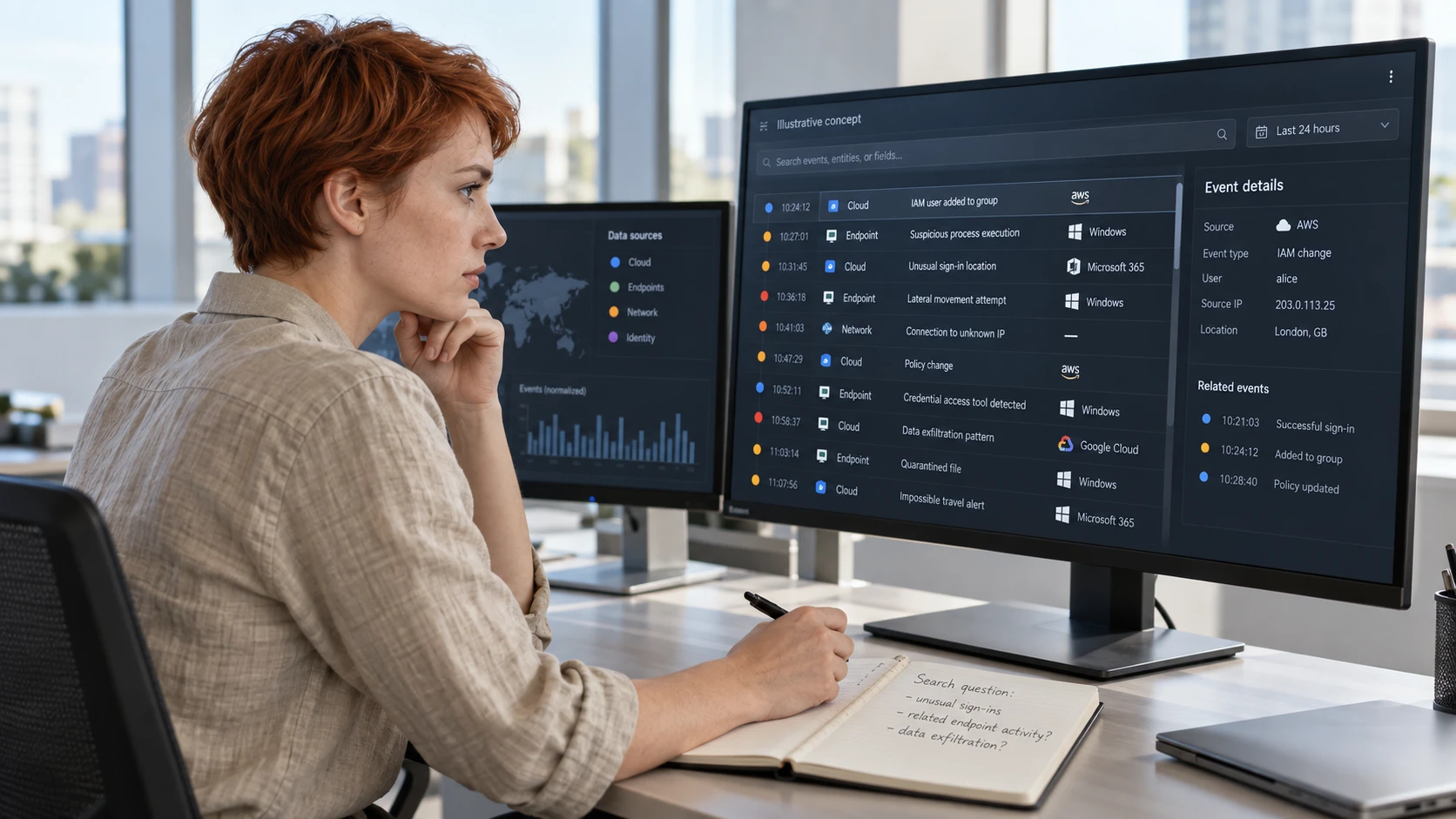
The console is the web page where you see all of it. Open a browser, log in, and every protected device reports into one screen. For a small team this matters more than it sounds. You are not bouncing between an antivirus dashboard, a separate detection tool, and a third log system. One agent feeds one console, and the modules below are views into that same stream of data.
When I onboard a customer, the first thing I check is that every device is reporting and green. From there, the modules decide what the console can actually do.
Falcon Prevent, the antivirus layer
Falcon Prevent is the next-generation antivirus, the layer that detects and blocks known and suspected malware before it runs. “Next-generation” means it does not rely only on a list of known-bad files. It uses behaviour and machine learning models to flag things it has never seen by name.
For a small team, Prevent is the baseline. It is the part that replaces your old antivirus product. If a user downloads a malicious attachment, Prevent is the layer that detects and quarantines the file and writes an alert into the console. It is the floor, not the ceiling.
Falcon Insight XDR, the part that records everything
Falcon Insight XDR is the detection and response layer, what the industry calls EDR, now extended across more signal types as XDR. The difference from antivirus is the recording. Antivirus asks “is this file bad.” Insight records the full chain of what happened, so when something gets through, you can see how.
Here is the practical version. Say malware slips past Prevent for a few minutes. With Insight, I can open the console and replay the sequence: which process started it, what it touched, which account it used, where it tried to connect. That recording is what turns a vague “we think something happened” into a precise “this account, this machine, this time, here is the path.” CrowdStrike groups Prevent and Insight as the core endpoint modules behind its managed service (Falcon Insight XDR).
If you want the difference between antivirus and EDR spelled out on its own, we cover that in a separate piece (EDR and antivirus, what the difference is).
Falcon Complete Next-Gen MDR, the managed 24/7 layer
Falcon Complete Next-Gen MDR is the managed service where CrowdStrike’s own team watches your alerts around the clock and responds to real threats. MDR means managed detection and response. This is the layer that turns the tooling above into a staffed operation, and it is the part most small Norwegian teams cannot build themselves.
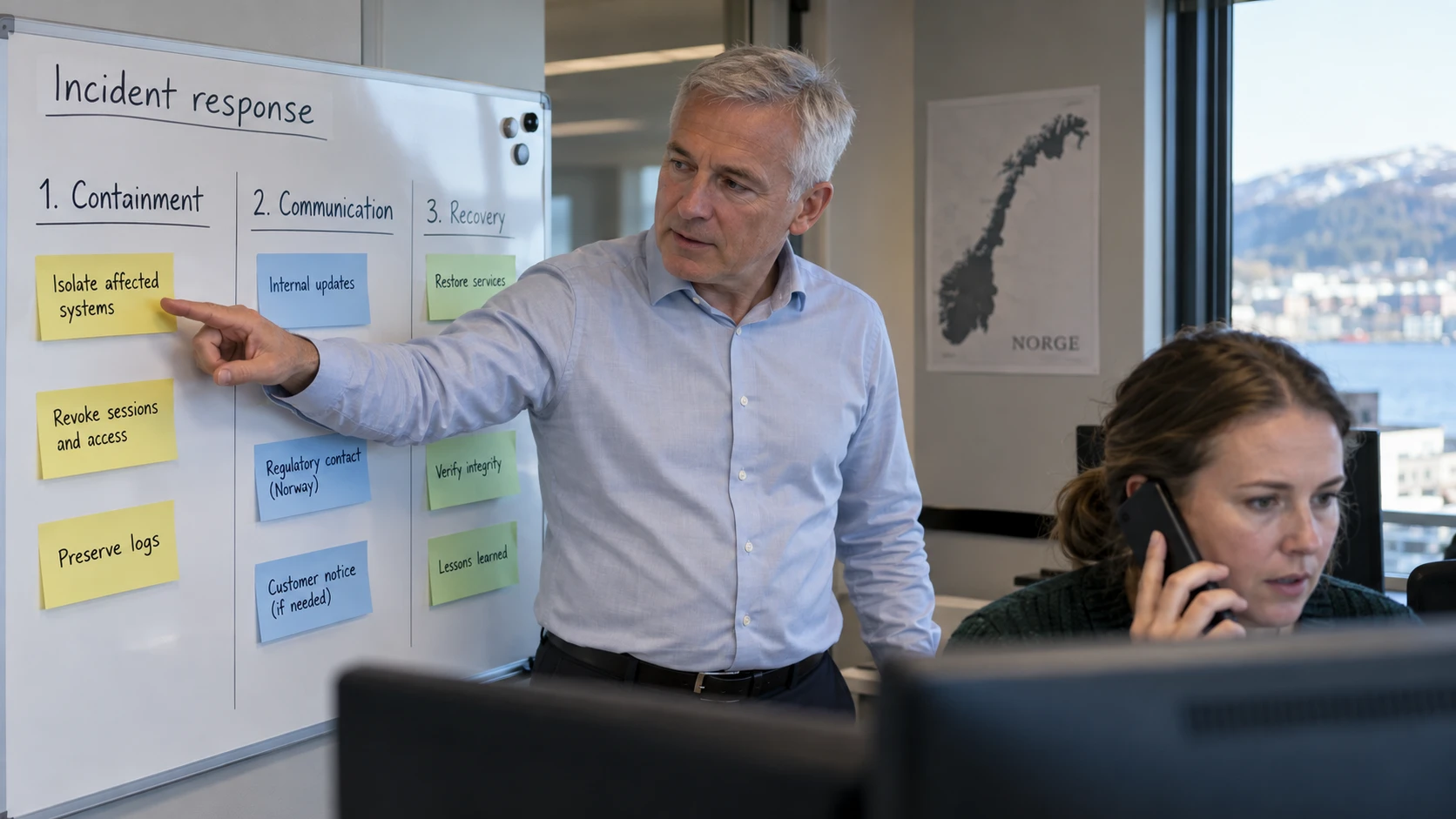
I want to be exact about who does what here, because it is the question I get most. The 24/7 monitoring and the hands-on response are run by CrowdStrike’s Falcon Complete team. They sit on the bridge. CrowdStrike reports a four-minute mean time to detect across the service (Falcon Complete Next-Gen MDR). FM CyberSecurity does not staff that 24/7 bridge. What FM CyberSecurity does is the local layer: onboarding the sensors, tuning the policies so the alerts fit your business, and being your Norwegian-speaking escalation point when something needs a decision in your context. Two roles, one outcome.
For an SMB the economics are the real story. Real around-the-clock coverage used to cost what only large enterprises could spend on a security operations centre. Falcon Complete puts that staffed response within reach of a 40-person company.
Falcon Identity Protection, watching the accounts
Falcon Identity Protection watches user accounts and logins for signs of compromise, the same stream of data, pointed at identity instead of files. Most modern attacks do not break a door, they log in with a stolen password. This module is the part that detects and alerts on that pattern.
In the console it surfaces things like a privileged account logging in from an unusual location, or an account behaving in a way it never has before. CrowdStrike runs this as a unified component of the same platform (Falcon Identity Protection), so an identity alert and an endpoint alert sit side by side in one investigation rather than in two disconnected tools.
Falcon AIDR, for AI and Shadow AI
Falcon AIDR is the AI detection and response module, built for the traffic your staff generate when they use AI tools. CrowdStrike made it generally available in December 2025 (Falcon AIDR general availability). It addresses what most teams call Shadow AI, employees pasting company data into chatbots and AI agents that the company never approved.
AIDR gives the console visibility into that AI interaction layer: which prompts go out, which AI agents are in use, what data is moving. It detects and alerts on risky AI traffic from managed devices. For a Norwegian SMB worried that staff are quietly feeding client data into public AI tools, this is the module that turns a worry into something you can see and measure.
Charlotte AI, the analyst assistant
Charlotte AI is the AI assistant built into the Falcon console, the layer that triages alerts and answers questions in plain language. CrowdStrike positions it as the agentic interface of the platform (Charlotte AI), trained on the decisions of experienced analysts to filter noise and surface what matters.
In practice Charlotte does the first pass on an alert: it enriches it, drops the obvious false positives, and writes a first hypothesis before a human looks. We have run it inside a 24/7 stack and written up what changes and what does not (Charlotte AI, what agentic SOC means for you). The short version, it makes the fast cases faster. The hard cases still want a human.
How the modules fit together
The reason to see Falcon as a platform and not a bag of products is that every module feeds one investigation. An endpoint alert from Insight, an identity alert from Identity Protection, and an AI-traffic flag from AIDR can all point at the same incident, and in the console they line up as one story rather than three. That is what the single agent and single console buy you. For a small team with no time to correlate tools by hand, that consolidation is the value, more than any single feature.
You do not need every module on day one. Most small Norwegian customers I onboard start with Prevent and Insight under Falcon Complete, then add Identity Protection and AIDR as the risks they care about come into focus. If we picked CrowdStrike as FM CyberSecurity’s MDR platform for specific reasons, we set those out separately (why we picked CrowdStrike Falcon for modern MDR).
One concrete next step: list the devices you want covered and which of these worries, malware, stolen logins, or staff using AI tools, keeps you up at night. That list decides which modules you actually need.
If this resonates:
- Read why we picked CrowdStrike Falcon for modern MDR to see the reasoning behind the platform choice.
- Forward this to your IT lead or the person who owns your current antivirus contract.
- Talk to Kenny for a 30-minute walk through the Falcon console against your own stack. See FM CyberSecurity’s detection and response service for how we run onboarding, tuning, and local escalation.