How we handle Shadow AI with Falcon AIDR
A six-step FM CyberSecurity engagement that takes a Norwegian SMB from no Shadow AI visibility to a written policy and Falcon AIDR detection rules in one quarter.
Here is the six-step engagement FM CyberSecurity runs to bring a Norwegian SMB from “we have no idea which AI tools our people use” to “we have a written policy and detection rules behind it” in one quarter.
The sequence assumes you already have CrowdStrike Falcon on your endpoints, or are deploying it alongside this work. Shadow AI policy without telemetry is a guess, so we start with the data. For the problem framing first, read what Shadow AI is and why SMBs cannot see it.

1. Map current AI usage with Falcon AIDR
Turn on Falcon AIDR and let it run for two weeks before you write a single policy word.
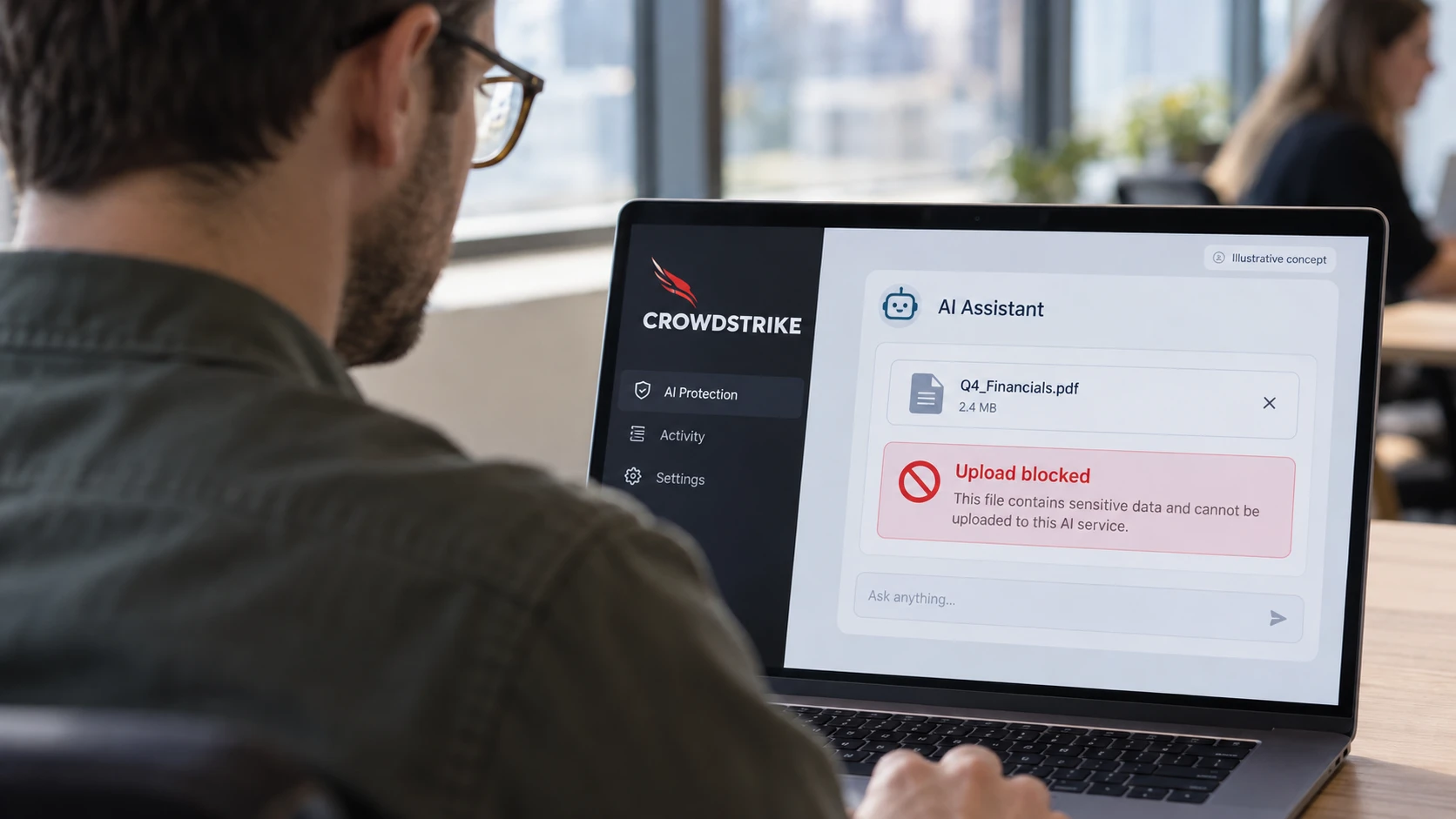
CrowdStrike Falcon AIDR (AI Detection and Response, generally available since 15 December 2025) sees AI prompts and responses from managed endpoints across browser and desktop AI applications, including ChatGPT, Gemini, Claude, DeepSeek, Microsoft Copilot, GitHub Copilot, and Cursor. It logs the user, the application, the prompt content, and the model version. A survey gets you a flattering answer. The endpoint sees the real one.
We configure the sensor, set the retention, and leave it. Two weeks is the minimum; four is better if your work is cyclic.
2. Read what the data shows
Sit down with the AIDR logs and answer four questions: who, what, where, and with what data.
In the typical first read for a 60-person Norwegian firm, two patterns show up. Heavy use of one or two sanctioned tools, often Microsoft Copilot through the M365 tenant. Plus a long tail of unsanctioned tools, often ChatGPT through personal accounts. The interesting line items are not the tools, they are the prompts: pasted source code, pasted contract clauses, pasted customer lists. The survey would not have caught any of it.
We mark each tool sanctioned, tolerated, or unsanctioned, and we tag every prompt containing credentials, customer data, or financial figures. Those tags become the evidence for step three.
3. Write a policy that fits real usage
Write the policy from the data, not from a template. A blanket ban on AI tools is unenforceable and produces false telemetry, because people just move to their phones.
We help you write a one-page policy with three lists: sanctioned (use freely), tolerated (use without sensitive data), and prohibited (do not use). The tolerated category is the one most templates miss, and it matches how people really work. We name the data categories that may not leave your sanctioned tools: source code, personal data covered by GDPR, customer contracts, financial figures before they are public, anything covered by an NDA. Plain language, no Latin, no “shall.”
The policy gets a named owner, a real person, not “IT.” That person reviews it every six months and after every material change to the tooling.
4. Configure detection rules and approved sanctioned apps
Encode the policy in Falcon AIDR so the platform enforces what the document says.
We set Falcon AIDR to alert on prompts to prohibited tools and on sensitive-data patterns going to tolerated tools. The platform’s runtime guardrails catch known prompt injection techniques and unsafe content. We pin the list of sanctioned applications so an alert fires when someone installs something outside it, for example a desktop wrapper for a model that was not in the inventory in step one. CrowdStrike’s Charlotte AI triage agent picks up the detections, enriches them, and surfaces the ones that look like real policy breaches with the first investigation steps done.
This is the step where the detection language and the policy language have to match. If the policy says “no customer data in ChatGPT” and the rule says “block strings that look like email addresses,” you will get alerts the policy did not predict. We tune both sides until they agree.
5. Train people on the policy and the alert pipeline
Run a 30-minute all-hands and a separate 60-minute session for managers.
People follow policies they understand. The all-hands covers the three lists, the data categories that may not leave sanctioned tools, what triggers an alert, and what happens when an alert fires (a private conversation, not a public reprimand for first offences). The manager session adds how to handle a flagged employee and how to request a new tool for the sanctioned list. We bring a real (anonymised) alert from another engagement so people see what the system catches. We do not lecture on AI risk in general, which is the version that gets ignored.
6. Set the ongoing review cadence
Bake the review cycle into the calendar, or it will not happen.
Two recurring meetings. One monthly, 30 minutes, between the policy owner and FM CyberSecurity, to review the AIDR detection volume, the new tools that have appeared, and any incidents that fired. One quarterly, 60 minutes, to revisit the policy: which tolerated tools should move to sanctioned because adoption now justifies a license, which sanctioned tools to retire because nobody uses them, and which data categories changed because the business changed. Shadow AI is not a one-quarter project. The quarter is how long it takes to install the loop.
Who runs which part
FM CyberSecurity does the engagement and the tuning. CrowdStrike’s Falcon Complete Next-Gen MDR team watches the detections at 03:40 on a Sunday and contains anything that crosses from policy violation into active threat. We do not staff that overnight bridge ourselves. Our role is to translate the technical containment into a decision your business can act on, in Norwegian, with the context of your systems.
We run this across three delivery models: a standalone AI security engagement, inside a Secured by FM CyberSecurity subscription, or as part of a broader consulting program. The six steps are the same regardless of the wrapper.
Next action
Talk to Kenny in our AI security service for a focused Shadow AI engagement starting with two weeks of AIDR telemetry on your endpoints. After that we have data, and the rest follows from it.
FAQ
Do we have to block ChatGPT?
No, and we usually recommend against it. A blanket block pushes people to phones and personal laptops, where you have no visibility at all. We put ChatGPT in the tolerated category for most clients, with a rule that blocks prompts containing sensitive data patterns. People keep the productivity benefit, you keep the visibility.
How does Falcon AIDR see browser-based LLM use?
The Falcon sensor inspects AI prompts and responses from managed endpoints across browser and desktop AI applications, including the major web LLMs. CrowdStrike’s data sheet names ChatGPT, Gemini, Claude, DeepSeek, Microsoft Copilot, GitHub Copilot, and Cursor as covered surfaces at GA. Use on unmanaged devices is outside the scope, which is the reason mobile phones are a separate policy conversation.
What about company-approved Copilot, Claude, or Gemini?
These usually go in the sanctioned list. AIDR still logs the prompts so you can review what people are doing with sanctioned tools, which matters because the sensitive-data risk does not disappear when the tool is approved. We typically set softer rules on sanctioned tools, alerts rather than blocks, unless the prompt contains regulated data.
How does this fit our existing CrowdStrike deployment?
If you already run Falcon Insight XDR or Falcon Complete Next-Gen MDR, AIDR is an additional module on the same sensor, the same console, and the same detection stream Charlotte AI is already triaging. There is no second agent to deploy. The work is configuration and policy, not a new rollout.
What if we do not run CrowdStrike yet?
The same six-step engagement works, but step one becomes a Falcon onboarding before you get AIDR data. We sequence the sensor rollout and the AI policy work together so the first AIDR logs land while the policy draft is still open for changes.