What vulnerability scanning is, and how to run it properly
A scan finds known weaknesses on the systems you point it at. Here is what it sees, what it misses, and how to work the output.
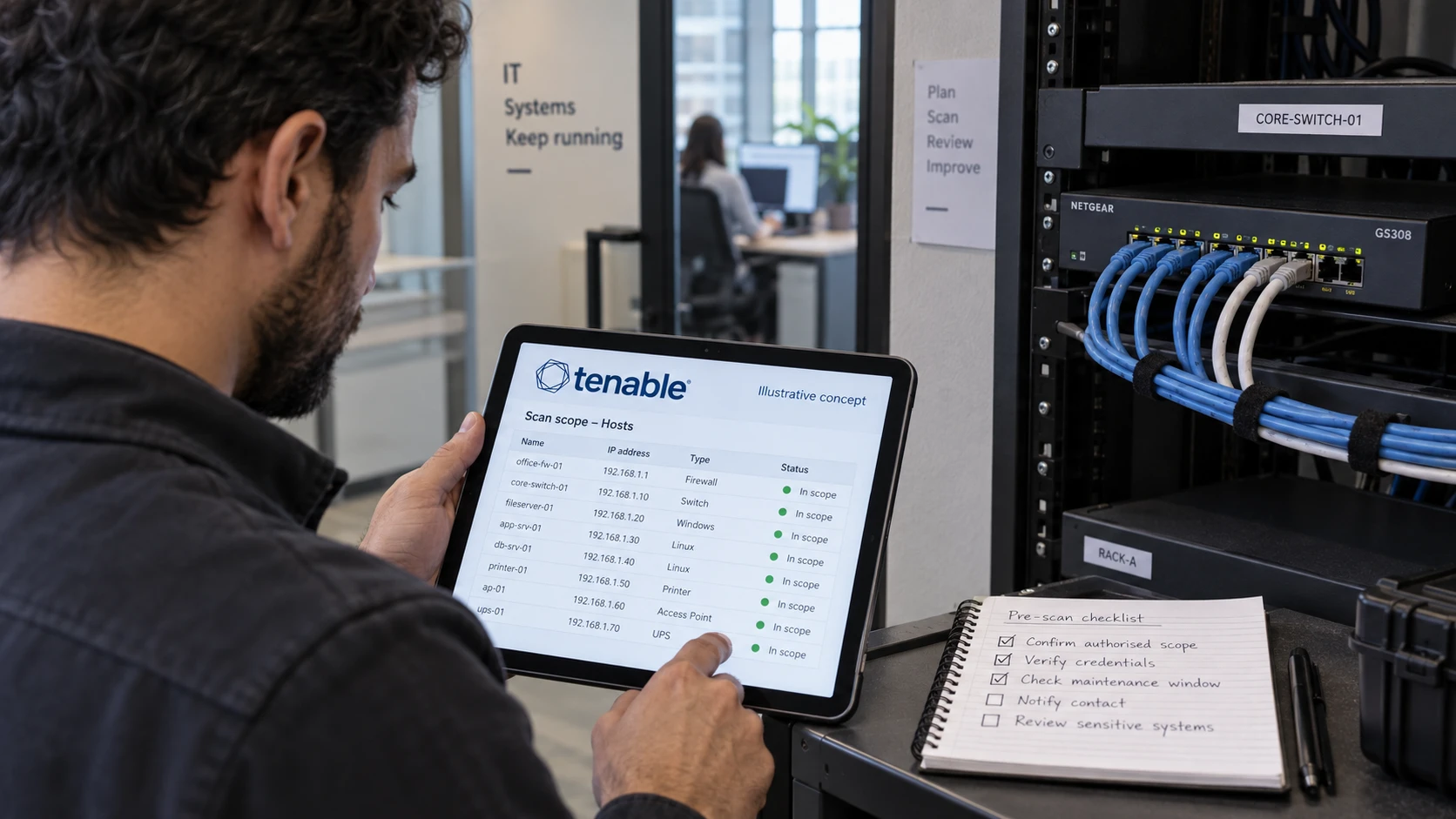
A vulnerability scan tells you which known weaknesses sit on the systems you point it at. Here is how to run one that gives you a work queue instead of a PDF.
I run Tenable for FM CyberSecurity customers, and the same three mistakes turn up in almost every first scan: no credentials, nothing outside the firewall, and a report sorted by severity. All three are fixable in an afternoon.
1. What a scan finds, and what it never sees
A vulnerability scan compares the software on your systems against a database of known flaws and lists the matches. The database is the whole trick. Nessus, the engine underneath every Tenable product, gets new plugins from Tenable daily.
A scan is good at missing patches, end-of-life software, weak service configuration, default credentials, and services listening on ports nobody remembers opening. Those are the security holes that get exploited at scale, because an attacker can find them without knowing anything about your business.
A scan does not see a logic flaw in the application your own developers wrote. It does not see an attacker who is already inside and using valid accounts. It says nothing about whether a vulnerable host is reachable from anywhere that matters. And it cannot report a flaw that has no published signature yet.
Write both lists down before you buy anything. Half the disappointment with scanning comes from people expecting it to cover the second one.
2. Give the scanner credentials, or read a flattering report
Without credentials, the scanner sees your systems the way a stranger on the network sees them, and that view is thinner than most people expect. Tenable says so in its own documentation: an uncredentialed scan cannot determine local exposures on the target system, and part of what it does report rests on banner information “which may be inconclusive or incorrect” (Tenable on credentialed checks).
Banner reading is the core of the problem. The scanner asks a service which version it is and believes the answer. Linux distributions apply security fixes without changing the version string, so a fully patched server can look vulnerable. Meanwhile a vulnerable library sits on disk announcing nothing at all, and the host looks clean.
That is why the uncredentialed result flatters you. Most of the surface, installed packages, registry state, local privilege problems and missing third-party updates, is not visible from the network at all.
Set up a dedicated scan account: a read-level domain account for Windows, an SSH key with sudo for Linux. Then rerun the same scope with credentials and compare the two numbers. In the reviews I run, the authenticated list is always the longer one, usually by a wide margin.
3. External vulnerability scanning shows what the attacker sees first
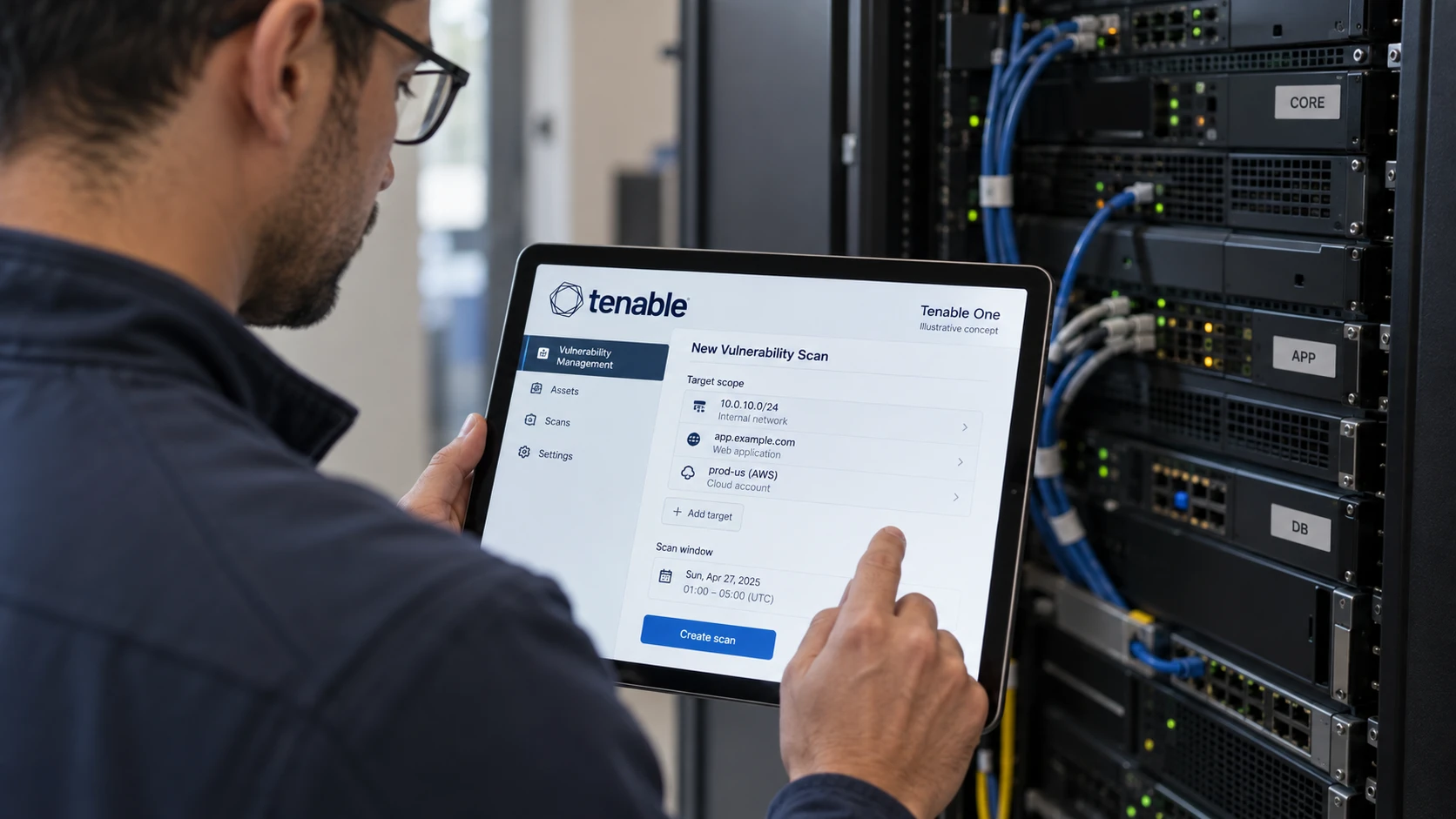
External vulnerability scanning means scanning everything of yours that answers from the public internet, from the outside in. Web servers, VPN gateways, mail servers, a firewall console somebody forgot to close, a test environment on a cloud IP from 2023.
This is the attacker’s opening view. They do not start inside your network, they start with whatever answers on a public address. Tenable runs this kind of scan from cloud scanners it hosts and maintains itself, so you do not have to stand anything up in your own server room (Tenable cloud sensors).
An internal scan answers a different question: if someone does get in, how far do they get. You need both, and they find different things. Internet-facing systems tend to be well patched and badly configured. Internal systems tend to be the reverse.
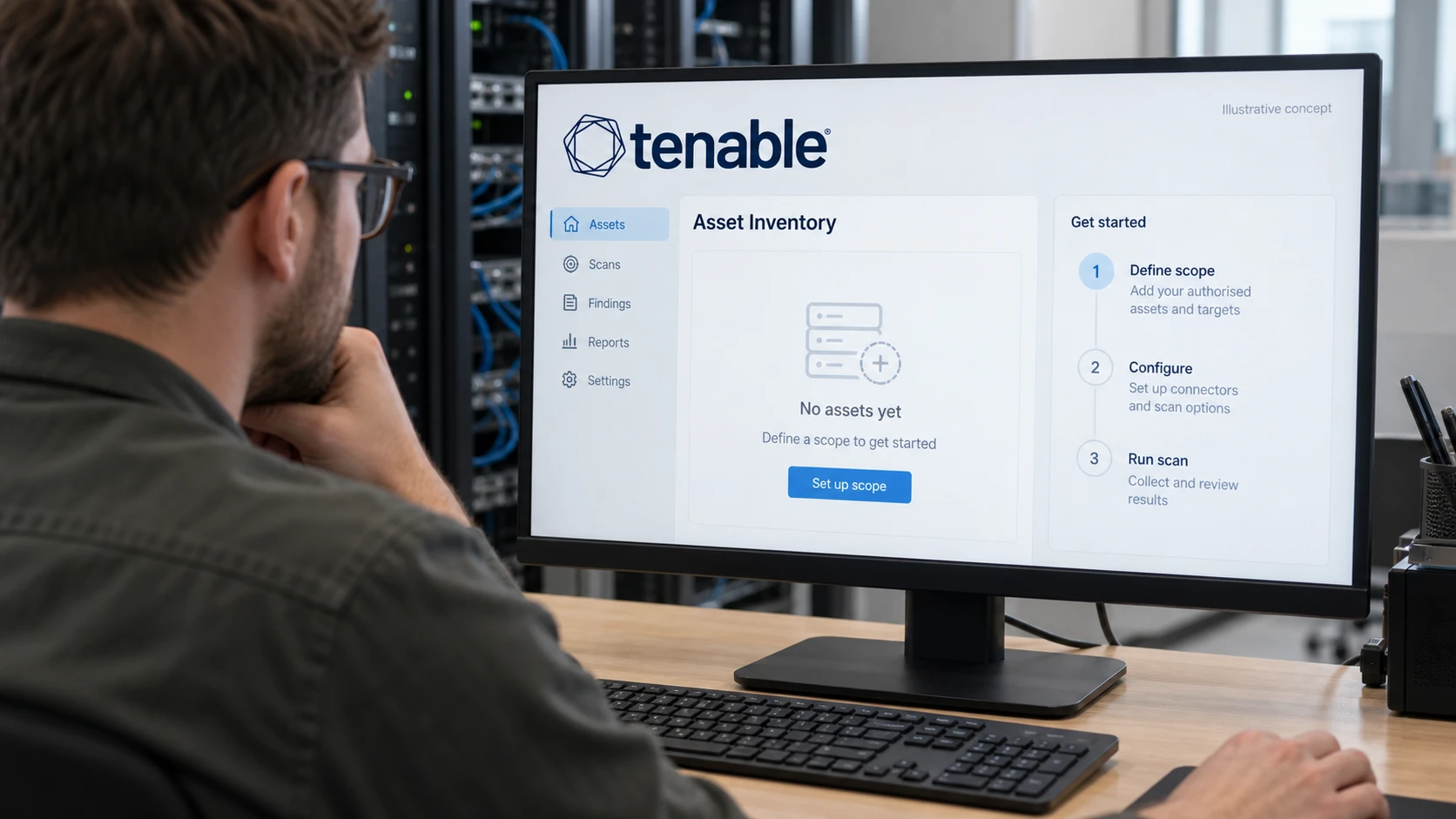
The trap in external scanning is inventory. You cannot scan an IP address you do not know you own, and the forgotten systems are the ones that hurt. Start by pulling every public IP range and every DNS zone the company controls, then scan the lot, including the parts nobody will claim.
4. Scan weekly, not quarterly
A quarterly scan produces a quarterly backlog, and the queue is too long to work from the first day. Quarterly scanning covers a compliance requirement and works poorly as a security rhythm. Tenable puts the requirement plainly in its own PCI guidance: “PCI Requirement 11.3.1 makes vulnerability scanning mandatory at least once every three months, and recommends more frequent scanning depending on network complexity” (Tenable on PCI DSS).
Do the arithmetic. A quarter holds three rounds of Microsoft updates plus every other vendor advisory published across ninety days. All of it lands in the same report. Nobody works a list that size, so it gets cut down to “critical only” and the rest is never touched. Next quarter the same thing happens on top of what was left.
Weekly scanning gives you the change since last time instead of the whole pile again. Ten or twenty new findings a week is a task list. Two thousand is a filing problem.
Set it up like this: an authenticated internal scan every week, an external scan every week, and a verification scan of the same scope within a week of every patch window. That last step matters more than people think, because “we updated it” and “the scan is clean” are two different claims.
5. Sort by exploitation, not by severity
CVSS tells you how bad a flaw would be if someone exploited it. It says nothing about whether anyone will. FIRST, which owns the standard, writes it into the CVSS v4.0 specification itself: consumers should enrich the base metrics with threat and environmental values “specific to their use of the vulnerable system” before treating the number as a risk input (CVSS v4.0 specification).
Two public feeds close that gap, and both are free.
EPSS, also from FIRST, gives every CVE a daily probability of being exploited in the wild within the next 30 days. Its FAQ puts the base rate in perspective: in any 30-day window, EPSS observes exploitation activity on roughly 2.5 to 3 percent of published CVEs (EPSS FAQ). The large majority of vulnerabilities are never exploited by anyone.
The CISA Known Exploited Vulnerabilities catalogue is the confirmed list: 1662 CVEs in catalogue version 2026.08.07 (CISA KEV). FIRST notes that KEV covers about 0.5 percent of published CVEs.
One caveat. Do not multiply EPSS by CVSS to produce a single number. FIRST says outright that doing so is never a good idea, because the two measure different things.
CISA’s own directive BOD 26-04 sets the order US federal agencies have to follow, and the model holds up outside the US too. Three questions: is the system reachable from the internet, is the CVE on KEV, and can an attacker automate the exploit. The answers drive deadlines of three, fourteen or sixty days (BOD 26-04).
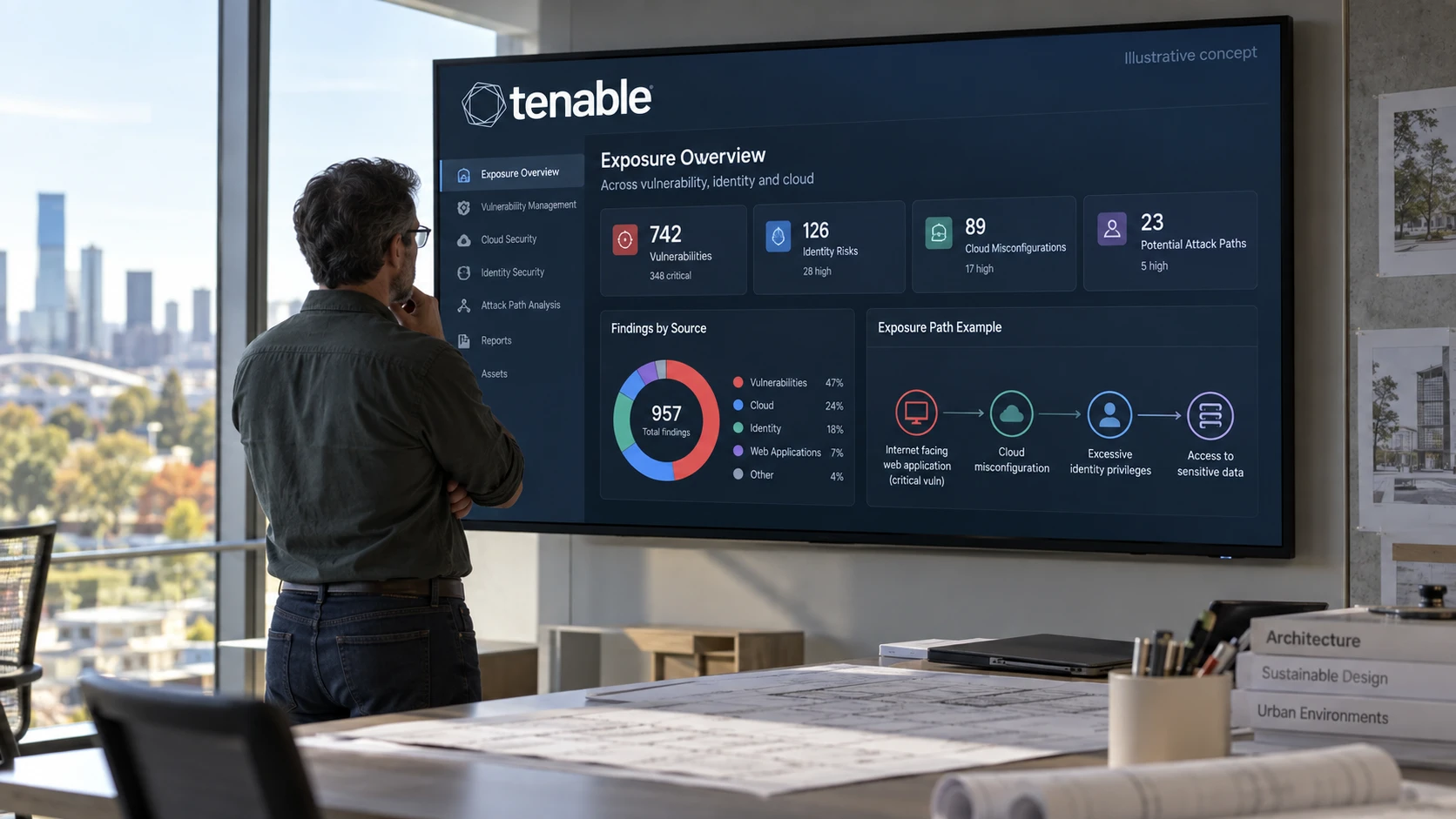
Your queue, in order: KEV findings on internet-facing systems, then high EPSS on the same systems, then critical and high CVSS internally, then the rest on a scheduled patch cycle.
6. What turns scanning into vulnerability management
Scanning produces findings. Vulnerability management closes them, and the closing is the part no tool does for you.
A programme adds five things the scan does not cover: an asset inventory, so you know what should have been scanned and notice when something drops off; a named owner per system, so findings have somewhere to go; a deadline per priority tier, agreed with the business rather than invented by IT; an exception process with an expiry date, so accepted risk gets reviewed instead of forgotten; and a verification scan that proves the fix landed.
The platform question arrives here too. Tenable One Vulnerability Management, previously named Tenable Vulnerability Management, keeps the history, the roles and the trend line that a standalone scanner does not retain. If the terminology is what confuses you, we have written about what separates exposure management from vulnerability management.
Norway’s NSM lists finding and removing known vulnerabilities as one of its basic principles for ICT security (principle 3.1), and Norwegian auditors will ask how you do it (NSM basic principles). A scan report answers half the question. The loop answers the other half.
Next step
Run one authenticated internal scan and one external scan across every public IP address you own, then put the two result sets side by side. That comparison usually decides the next six months of work on its own.
Anders Helgesplass runs Tenable at FM CyberSecurity. Get in touch through our vulnerability management practice if you want a second read on your scan output, or see how we run continuous vulnerability and exposure management as an operated service. We set up the platform, the accounts and the tuning ourselves, so the advice comes from the people who would run it. FM CyberSecurity is a certified partner on Tenable in Norway.
FAQ
How often should we run a vulnerability scan?
Weekly, internally and externally, with a verification scan after every patch window. Quarterly meets the PCI DSS floor and little else: three months of vendor advisories arrive in the same report, and the backlog grows faster than the team can clear it. If weekly is unrealistic right now, start with weekly external scanning and monthly authenticated internal scanning, then tighten from there.
Do we need external scanning if we already scan internally?
Yes, because they answer different questions. An internal scan assumes the attacker is already inside. An external scan shows what the attacker sees before they get in, which is the surface they will try first. External scanning also picks up systems that fell off the inventory: an old subdomain, a test box on a cloud IP, an admin page that was supposed to be temporary.
Can scanning break anything?
Rarely, and less often with credentials than without. An authenticated scan mostly reads local state, so it is gentler than knocking on ports from the outside. Old or fragile equipment, some printers, some industrial gear and older network boxes, can react badly to aggressive port scanning. Handle those with a separate scan policy that excludes the risky plugin families, plus a maintenance window for the first run.
Our first scan returned thousands of findings. Where do we start?
Sort by exploitation, not by severity. Take everything on the CISA KEV list that sits on an internet-facing system first. Then high EPSS on the same systems. Then critical and high CVSS internally. Group the rest by the fix rather than by the finding: a single operating system update often closes several hundred rows at once, so counting updates instead of CVEs makes the job look like what it is.
Is vulnerability scanning the same as a pentest?
No. A scan is automated, covers everything you point it at, and reports known security holes. A pentest is about chaining findings into a working path in, which tells you which weaknesses matter in combination. Scanning is the weekly hygiene. Pentesting is the periodic check on whether the hygiene holds. Most organisations need both, and scanning should come first, because there is little point paying anyone to find a missing update you could have found yourself.